WiFi Scanner: Who's On My WiFi
See who's on your WiFi, test your speed and pick the best channel.
- 50+Downloads
- FreePrice
- EveryoneRated
- Nov 12, 2026Updated
About WiFi Scanner
Is your WiFi slow? Want to know who's on my WiFi? This WiFi analyzer, internet speed test and network scanner is all in one clean app, with no ads, no accounts and no in-app purchases.
See devices connected to your WiFi, run a speed test, find the best WiFi channel for your router and check WiFi signal strength in every room.
Who's on my WiFi: network scanner
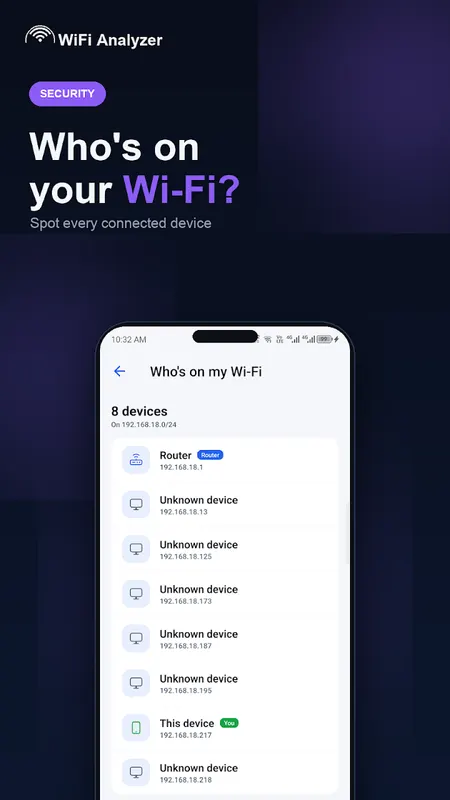
- Scan your network and see devices connected to your WiFi
- IP address, device name and vendor where available
- Spot unknown devices and see who is using your WiFi
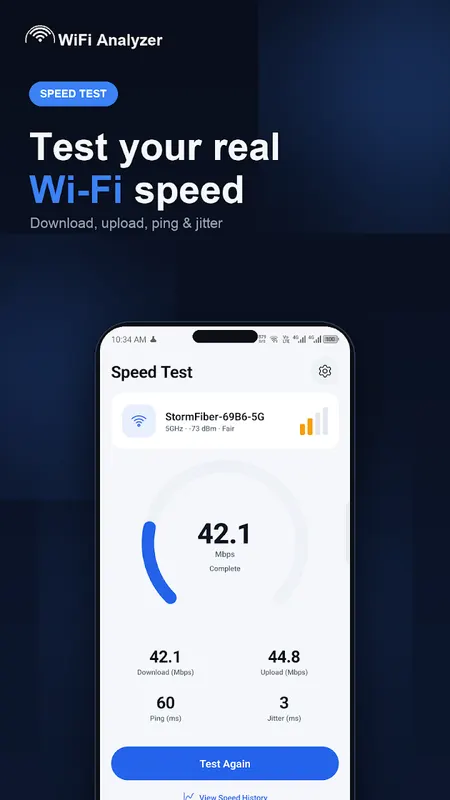
Internet speed test
- Test download speed, upload speed, ping and jitter
- Live speed meter with saved speed test history
- Watch your internet speed over time
WiFi analyzer
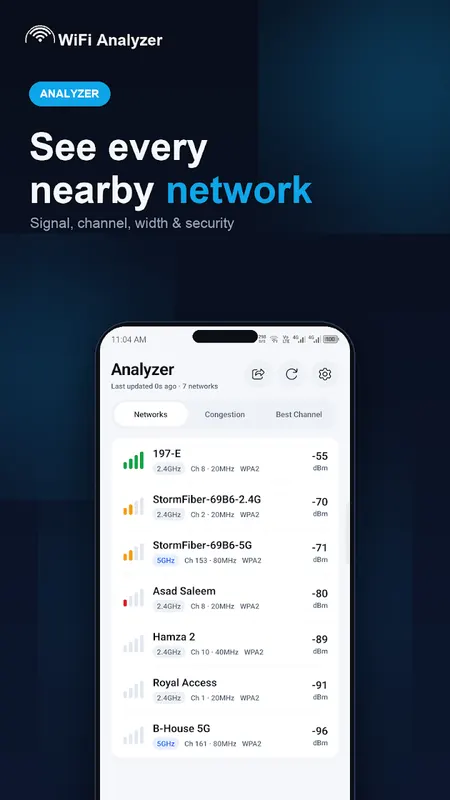
- See all nearby WiFi networks with signal strength, channel and band
- 2.4 GHz, 5 GHz and 6 GHz WiFi networks
- Channel width, security type and estimated distance
- Filter WiFi networks and export the list as text or CSV
WiFi channel scanner
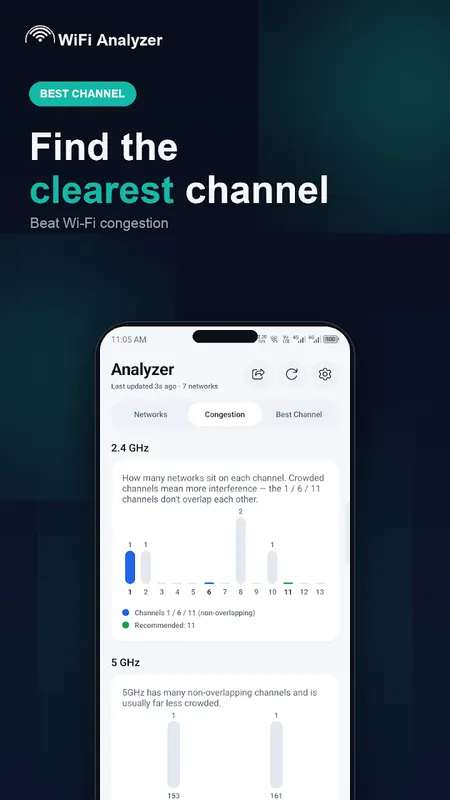
- See which WiFi channels are crowded
- Get the best WiFi channel for your router
- Simple steps to change your router channel for faster, more stable WiFi
WiFi signal strength meter
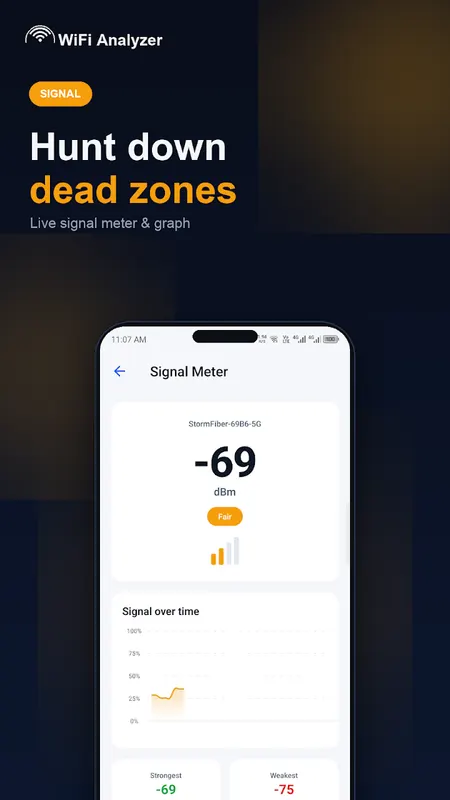
- Live WiFi signal graph with strongest and weakest readings
- Walk around your home to find WiFi dead zones
- Find the best spot for your router
WiFi security check
- Check encryption, nearby open networks, DNS and connection health
- Clear Pass / Caution / Risk results and a simple score
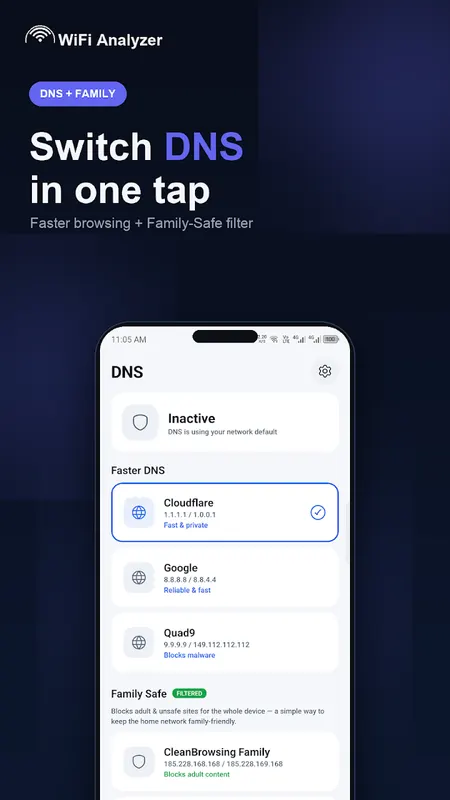
DNS changer and Family Safe DNS
- Switch to Cloudflare, Google or Quad9 DNS in one tap
- Family Safe DNS filters adult and unsafe sites (CleanBrowsing, OpenDNS FamilyShield, AdGuard)
- Uses a local, private VPN. DNS lookups go only to the resolver you choose
Network tools
- Ping, Traceroute and DNS Lookup for network troubleshooting
- Public IP and ISP, local IP, gateway, subnet and link speed
Why people choose this WiFi analyzer
- No ads, no in-app purchases, no sign up
- WiFi scanner, speed test, network scanner, signal meter and DNS changer in one app
- Clean design with light and dark themes
- WiFi scans stay on your device
FAQ
How do I see who is connected to my WiFi?
Open Who's On My WiFi and tap Scan. The app lists the devices it can find on your network. Some phones hide their name, so not every device can always be identified.
How can I make my WiFi faster?
Use the WiFi channel scanner to move your router to a less crowded channel, use the signal meter to find a better spot for your router, and try a faster DNS.
Does it work without internet?
WiFi analysis, channel scanning and device discovery work locally. The speed test, public IP / ISP and the online part of the security check need a connection.
Why does the app need Location?
Android requires Location permission, with Location turned on, for any app to scan nearby WiFi networks. We use it only to scan WiFi. We never store or share your location.
Privacy
No accounts, no ads, and we don't sell your data. Speed tests and a short connectivity check use Cloudflare. Public IP / ISP uses a lookup service. Device vendor names may use a MAC vendor lookup. DNS queries go only to the resolver you select.
This app measures and recommends. It does not change your router settings or boost your internet speed.
Learn more about who is on my wifi




WiFi Scanner FAQ
Can I see devices connected to my WiFi?
Yes. The network scanner lists devices on your WiFi with their IP address, device name and vendor where available, so you can spot unknown devices.
Does it include a speed test?
Yes. It measures download, upload, ping and jitter and keeps a history so you can watch your speed over time.
Are there ads or in-app purchases?
No. The app has no ads, no account and no in-app purchases.