
Sign PDF & Fill Forms: eSign
Sign PDFs and fill forms on your phone. No account, no watermark.
- 100+Downloads
- FreePrice
- EveryoneRated
- Nov 12, 2026Updated
About Sign PDF & Fill Forms
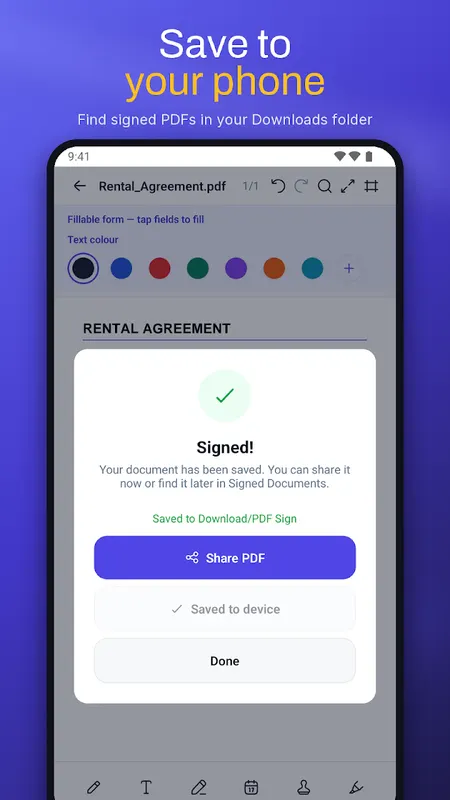
Sign PDF documents and fill PDF forms on your phone in seconds. Draw your signature once, place it on any contract, application or tax form, then save and share. No account, no sign up and no watermark. Your files stay on your device.
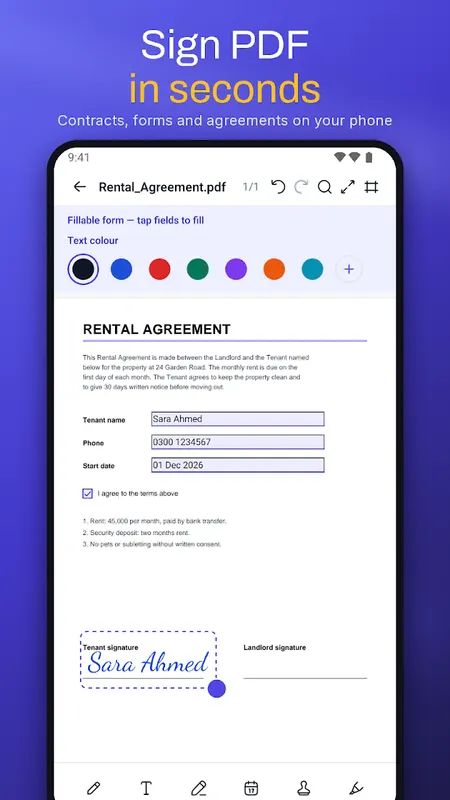
Sign PDF with your signature
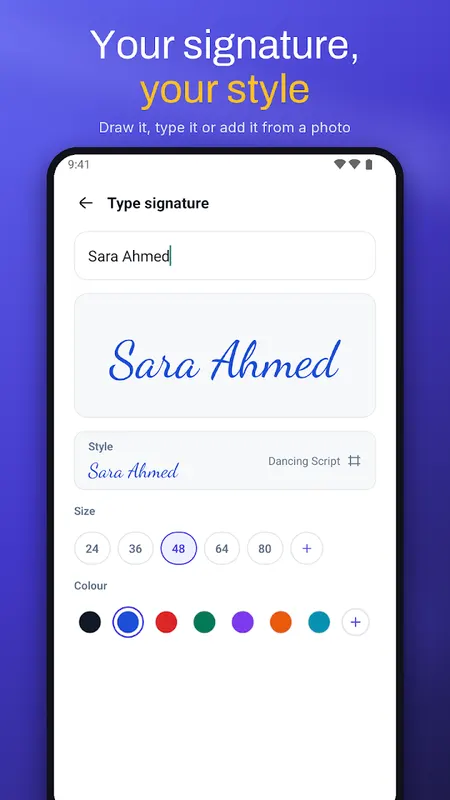
- Draw your signature, type your name or add it from a photo
- Save signatures and initials and reuse them on every document
- Drag, resize and place your e-signature exactly where it belongs
- Add the date, your name and custom stamps like Approved or Paid
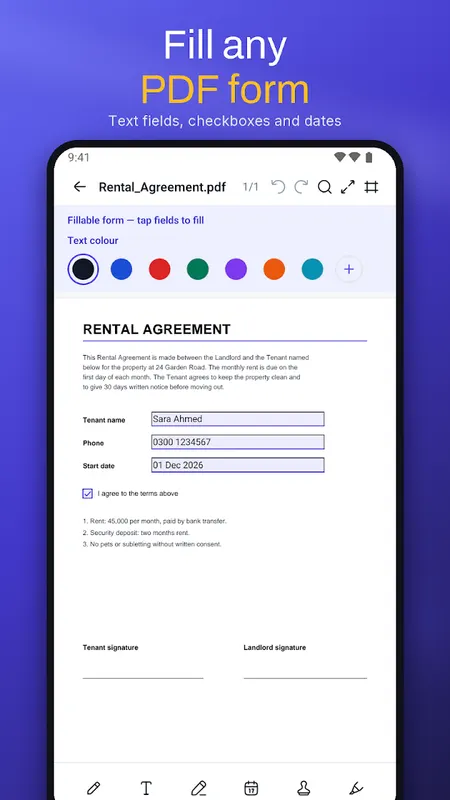
Fill PDF forms
- Detects fillable text fields, checkboxes and radio buttons
- Type anywhere on the page, even on forms that are not fillable
- Edit existing text in the PDF
- Reopen a saved document and keep editing
PDF editor and annotation
- Pen, highlighter, underline and strikethrough
- Shapes, arrows, sticky notes and whiteout
- Redact PDF: black out private information for good
- Search text inside a PDF, page thumbnails and quick navigation
PDF scanner
- Scan paper documents with your camera into a clean PDF
- Scan an ID card front and back onto one page
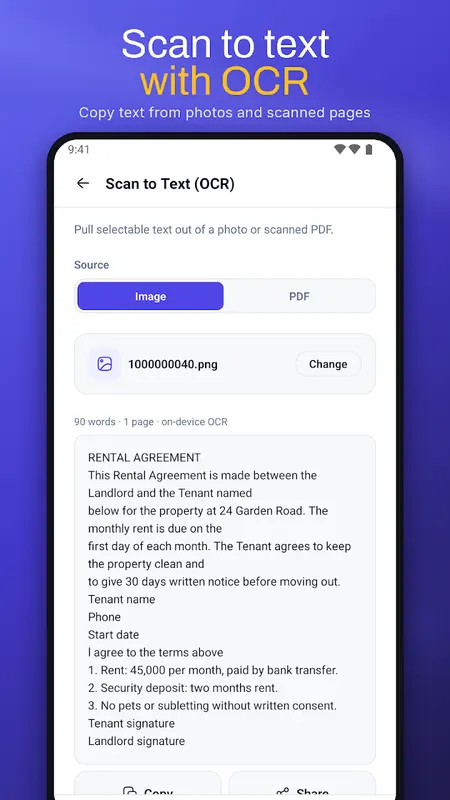
- Scan to text (OCR): copy text from scanned pages, on your device
- Make scanned PDFs searchable
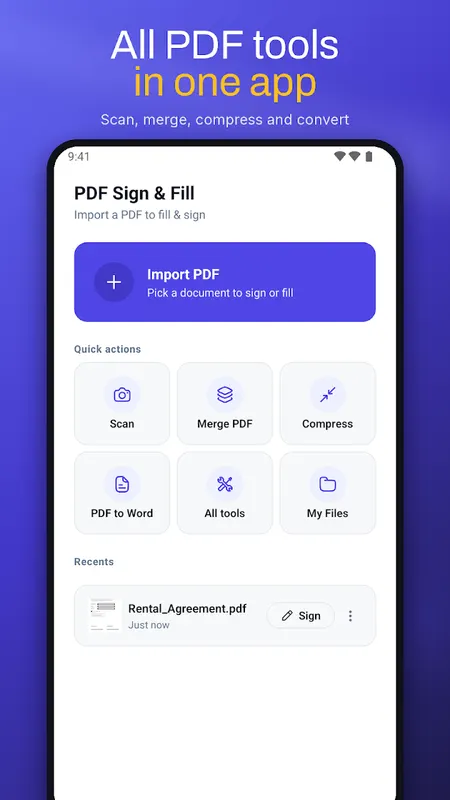
All the PDF tools you need
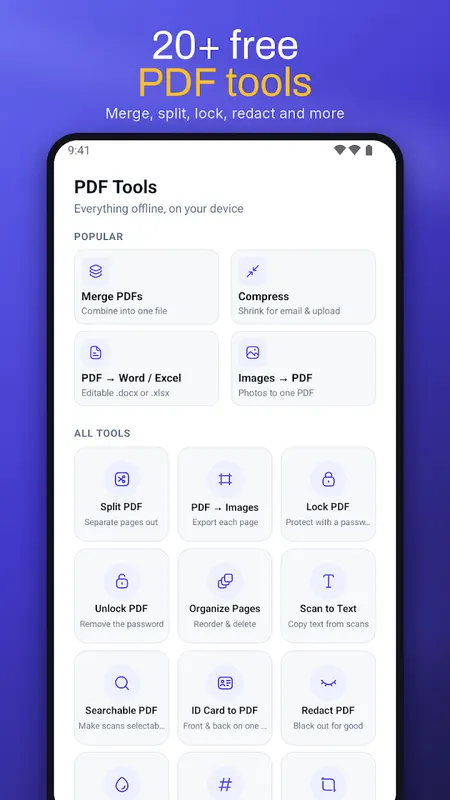
- Merge PDF and split PDF
- Compress PDF for email and upload
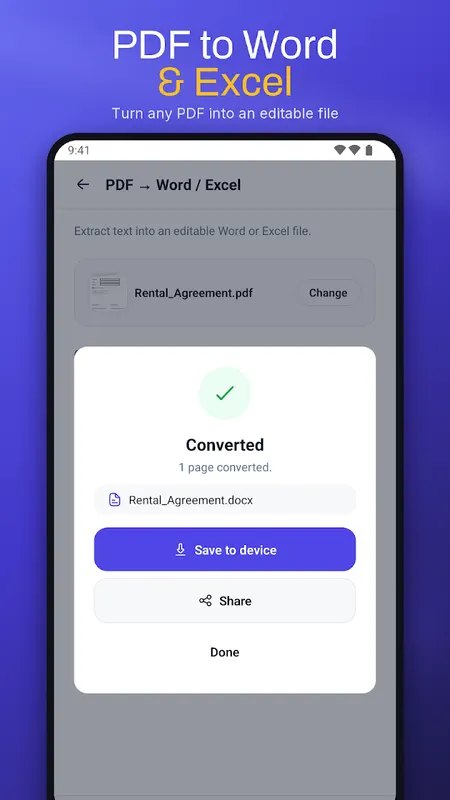
- PDF to Word (.docx) and PDF to Excel (.xlsx)
- PDF to images and images to PDF
- Lock PDF with a password and unlock PDF
- Organize, reorder and delete pages, crop margins
- Add a watermark and page numbers, including Bates numbering
- Flatten PDF so annotations cannot be changed
Private and offline
No account and no login. Documents are processed on your phone and are never uploaded to our servers. You choose when to share a file, using your phone's share menu.
Made for
Signing contracts, NDAs, leases and agreements. Filling job applications, tax and registration forms. Approving invoices. Scanning receipts and ID cards. Merging and compressing documents to send by email.
How to sign a PDF
1. Tap Import PDF and choose your document
2. Tap Sign, draw your signature or pick a saved one
3. Place it on the page, tap Save and share the signed PDF
FAQ
Is there a watermark on signed PDFs?
No. Signed and edited PDFs never get a watermark.
Do I need internet?
No. Signing, filling and the PDF tools work offline.
Can I fill a PDF form that has no fields?
Yes. Tap Text and type anywhere on the page.
Learn more about sign pdf on android

Sign PDF & Fill Forms FAQ
Does it add a watermark?
No. Signed documents are saved without any watermark.
Can I fill forms that aren't fillable?
Yes. It detects fillable fields, checkboxes and radio buttons, and you can also type anywhere on pages that have no form fields.
Are my documents uploaded?
No. Your files stay on your device and no account is needed.