
Photo Compressor: Image to KB
Compress any photo to an exact KB size for forms, exams and visas.
- 1K+Downloads
- FreePrice
- EveryoneRated
- Oct 26, 2026Updated
About Photo Compressor
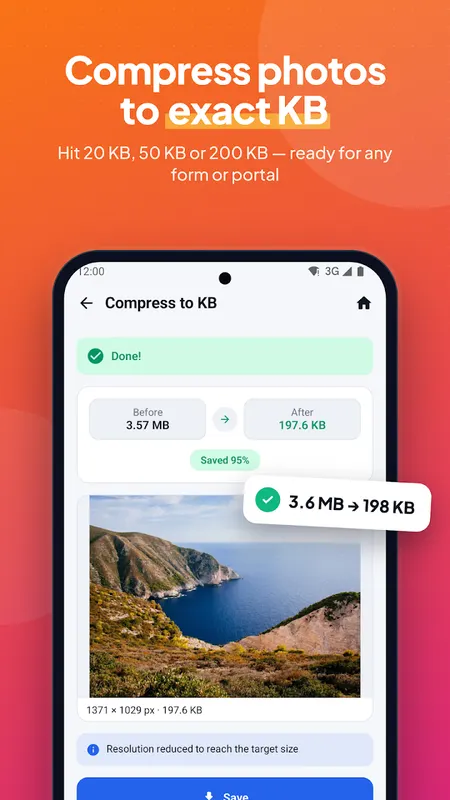
Need a photo under 20 KB, 50 KB or 100 KB for a job application, exam portal, visa form or email? Photo Compressor reduces image size to the exact KB you need in one tap — free, fast and private.
Compress Photo to Exact KB
- Pick 20 KB, 50 KB, 100 KB, 200 KB, 500 KB, 1 MB or type any size
- Photo size reducer that keeps the best possible quality
- Quick Compress with a live size preview
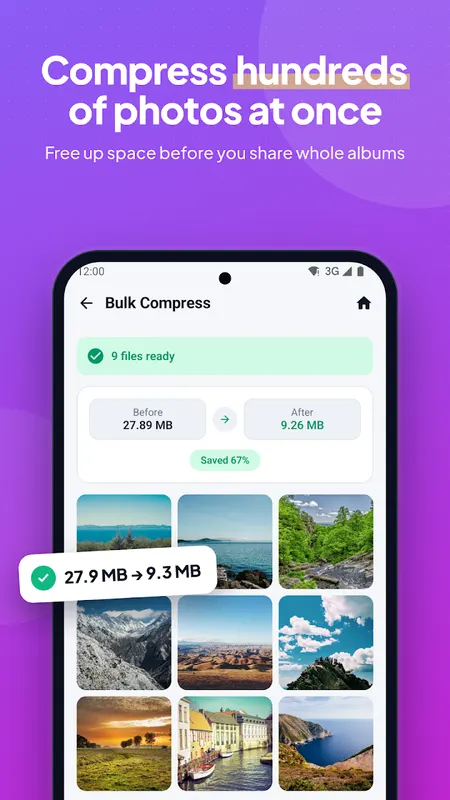
- Bulk compress hundreds of photos at once
- Works with JPG, PNG, WEBP and HEIC
Form Photo, Passport Photo & Signature
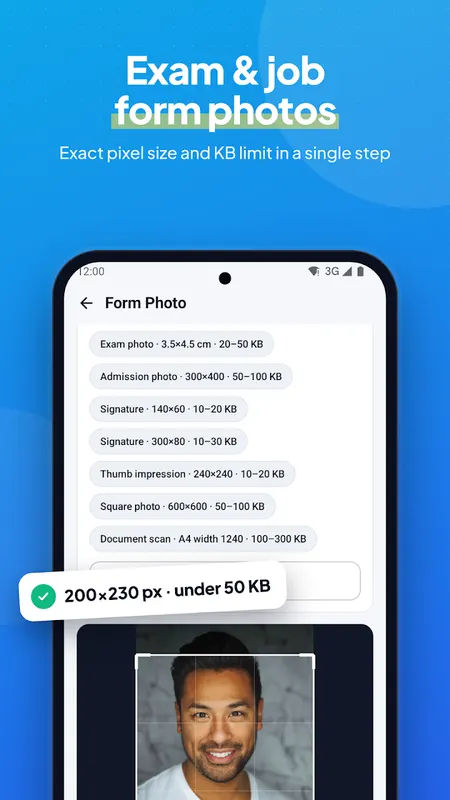
- Form Photo: exact pixel size + KB limit for exam and job applications
- Save your own custom form sizes
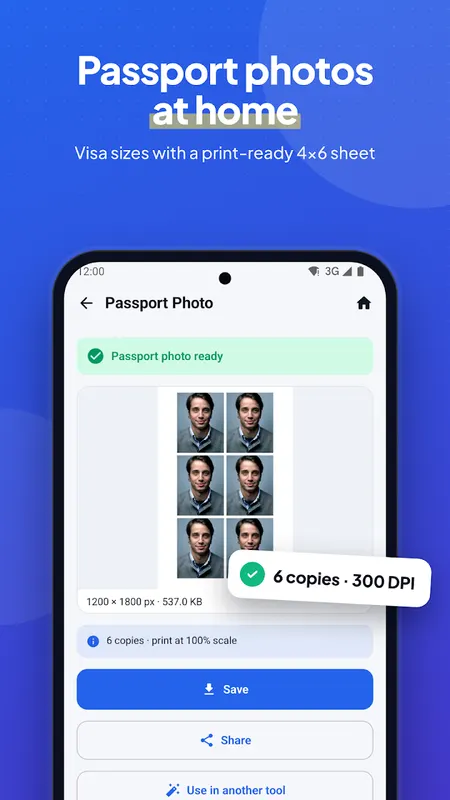
- Passport photo maker: 35×45 mm, 2×2 inch, Canada, China, Saudi and more
- Print-ready 4×6 and A4 sheets with cut lines
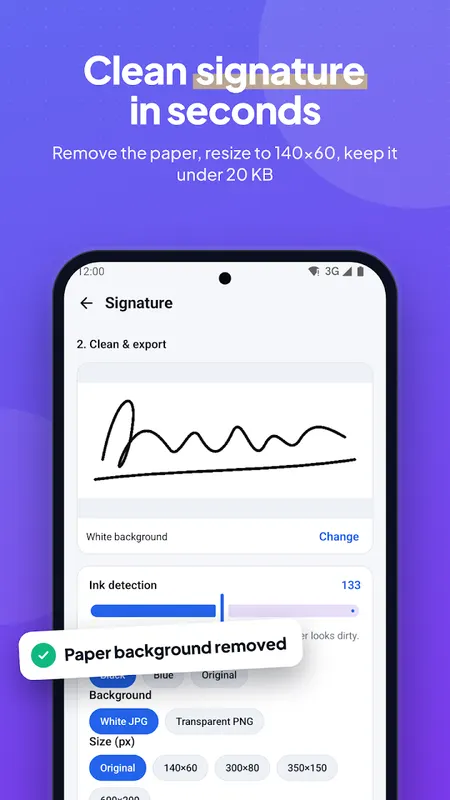
- Signature resize: remove the paper background, 140×60 px, under 20 KB
- Transparent PNG signature for documents
- ID card copy: front and back of any ID card on one A4 page (PDF or JPG)
PDF Tools
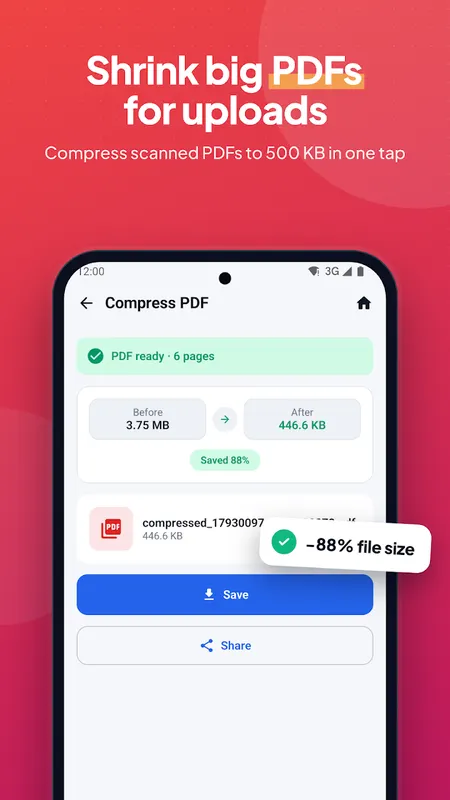
- Compress PDF to 100 KB, 200 KB, 500 KB or 1 MB
- Images to PDF (A4, Letter or fit to image)
- PDF to JPG / PNG — every page as an image
Resize & Edit
- Resize image by pixels, percentage, cm, mm or inch with DPI
- Bulk resize photos
- Fit for social: Instagram, WhatsApp DP & status, YouTube thumbnail, Facebook cover — no cropping, blurred background
- Crop, rotate and flip with aspect ratios
- Black & white, brightness & contrast
- Add a watermark (text or logo) and borders
Convert
- JPG ↔ PNG ↔ WEBP converter
- HEIC to JPG for iPhone photos
- Bulk convert
Privacy Tools
- View photo metadata (EXIF): camera, date, GPS location
- Remove metadata and GPS before sharing
- Batch rename files
Why People use it
- Exact KB results for government, job, university and exam forms
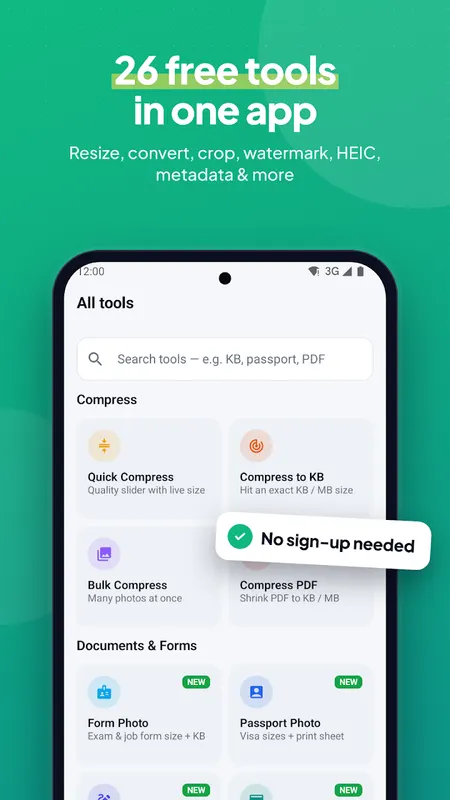
- 26 tools in one small app
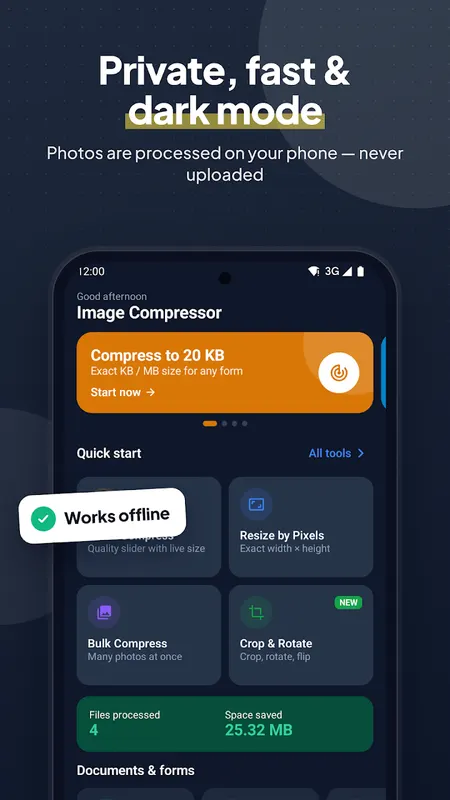
- Photos are processed on your phone — never uploaded to a server
- Works offline
- Share straight to WhatsApp, Gmail or any app
- Share a photo from your gallery into the app to start instantly
- Dark mode
Perfect for job applications, exam and admission forms, visa and passport photos, ID card copies, email attachments, website uploads and freeing up phone storage.
Presets are starting points. Always check the size written in your form's official instructions. This app is not affiliated with any government or examination body.
Free to use with ads.
Learn more about compress photo to 20kb

Photo Compressor FAQ
Can I compress a photo to an exact size like 50 KB?
Yes. Pick 20 KB, 50 KB, 100 KB, 200 KB, 500 KB, 1 MB or type any size, and the app reduces the image to that target while keeping the best possible quality.
Which formats are supported?
JPG, PNG, WEBP and HEIC.
Can it make passport photos?
Yes. It includes passport sizes such as 35×45 mm and 2×2 inch, plus print-ready 4×6 and A4 sheets with cut lines.