
Recover Deleted Messages Log
Read deleted messages and keep a full notification history.
- 100+Downloads
- FreePrice
- EveryoneRated
- Oct 26, 2026Updated
About Recover Deleted Messages Log
Recover deleted messages and see your full notification history. Read messages even after the sender deletes them, recover notifications you cleared by mistake, and read chats without showing "seen".
Works with WhatsApp, Messenger, Instagram, Telegram, Signal, LINE, Viber and every other app that sends notifications. Not affiliated with any of them.
Why This app is Different
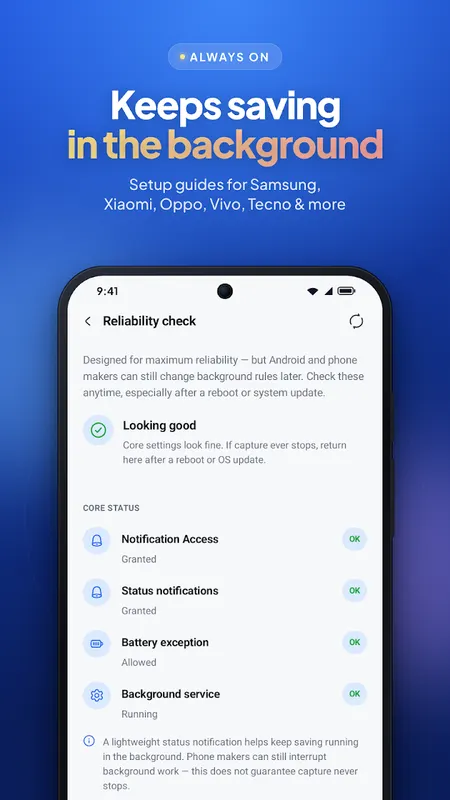
Most noti history apps stop working silently after a few days because of aggressive battery management on Android phones. We built this app specifically to solve that — with a dedicated setup guide for your exact phone brand, so your history actually keeps working.
Who This app is for
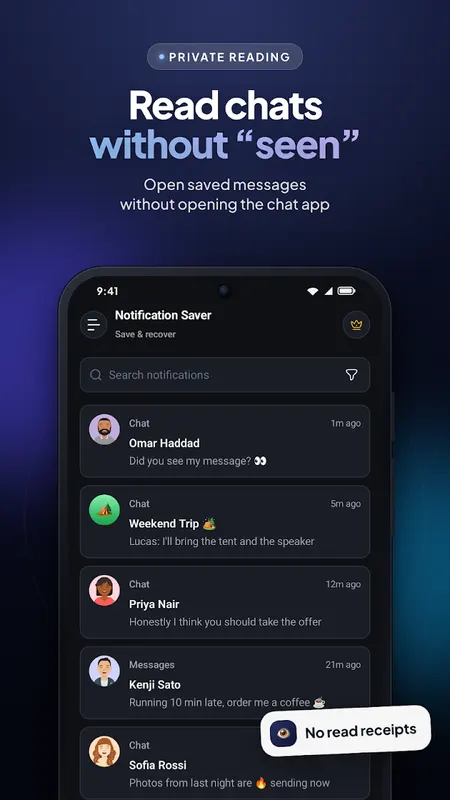
Anyone who's ever missed an important message, accidentally cleared a notification, or wanted to know what a deleted message from a messaging or social app actually said. If you've ever wished you could read a message without it showing "seen" — this app is built for exactly that.
What it Does
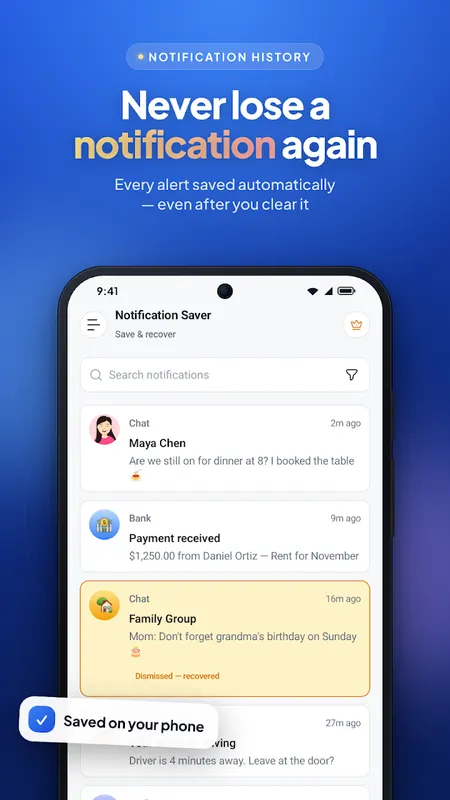
Automatically saves every notification as it arrives — title, message, app, and time
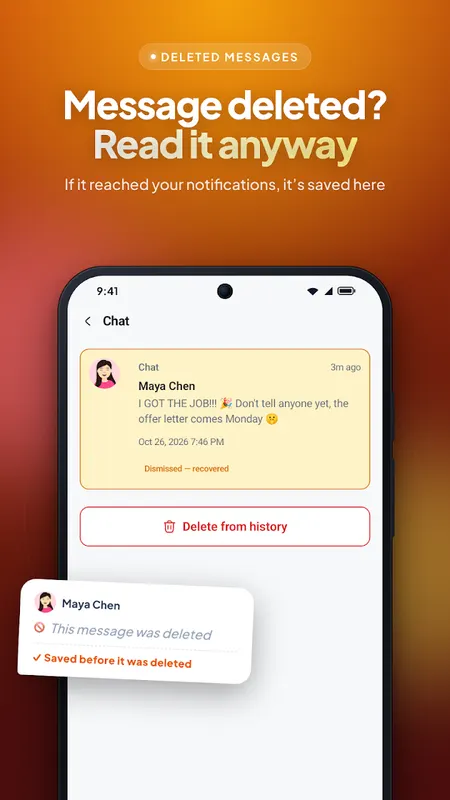
See the content of messages even after the sender deletes them, as long as a notification arrived — works across WhatsApp, Messenger, Instagram, Telegram, and other messaging & social apps
Read messages without triggering the "seen" or "read" mark
Browse your full history, filtered by app or date
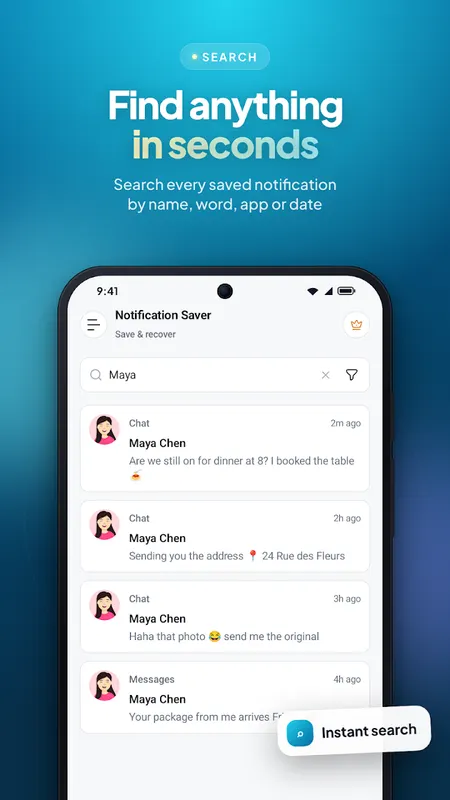
Search any saved notification instantly
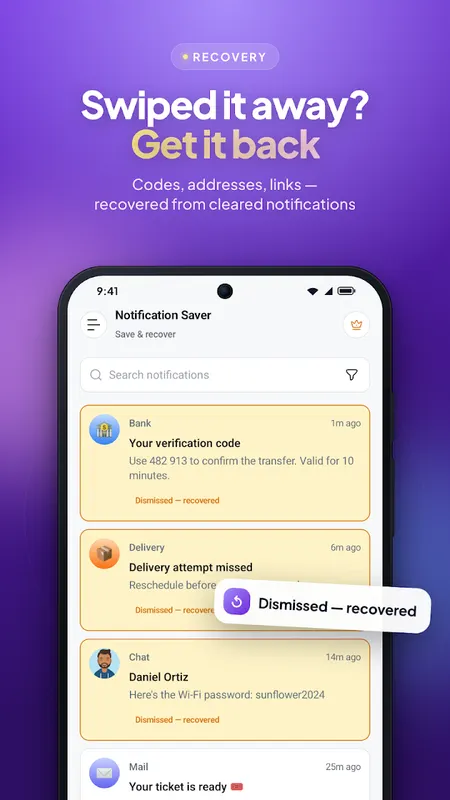
Recover notifications you accidentally dismissed
Exclude specific apps from being logged, anytime
Auto-delete old notifications after the time period you choose
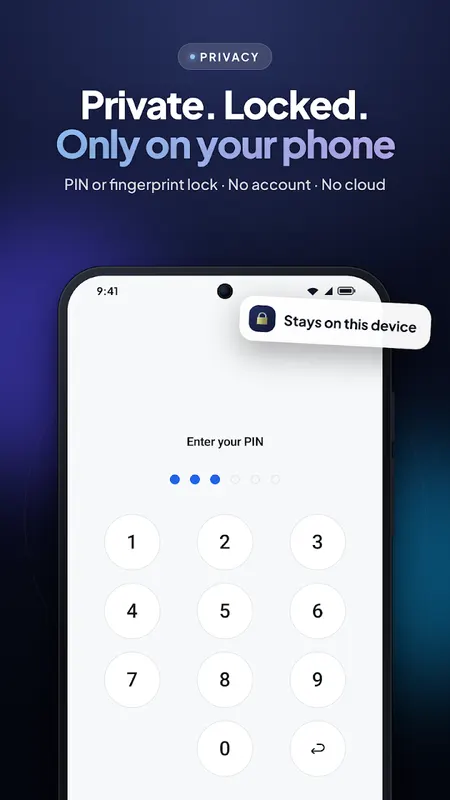
Optional PIN lock to keep your saved notifications private
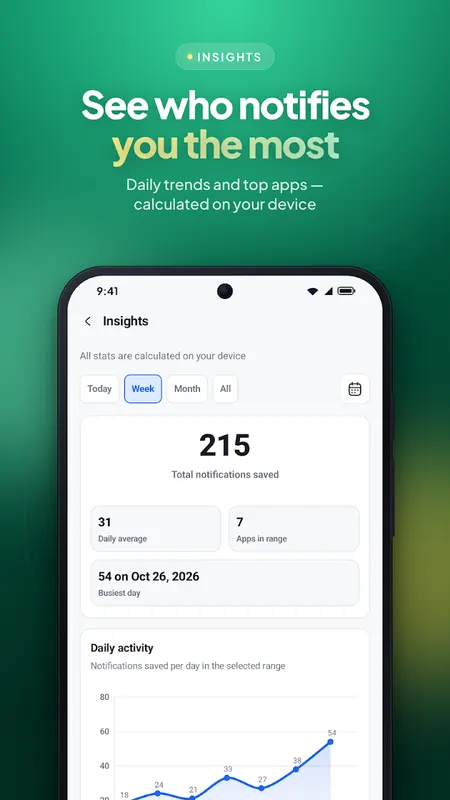
Local insights: totals, daily trends, and top apps (on-device only)
How it Works
The app listens to your notification tray and saves each notification the moment it arrives — before it can be dismissed, cleared, or deleted by the sender. It doesn't read messages directly from any app; it only sees what appears as a notification. That's why a message can only be recovered if it generated a notification while the app had access.
On Your Device
Notification content is stored locally on your phone. No account and no notification cloud — your history is not uploaded to our servers. Free users may see a light AdMob banner on the History screen; Pro is an optional Google Play subscription.
Free to use
Download and use the core notification saving, history, search, Insights, App Lock, and reliability setup completely free. A Pro subscription unlocks unlimited history retention (beyond the free 7-day cap), CSV export, and removes the light banner ad on History.
Good to Know
Messages sent before you installed the app can't be recovered
If you were already inside the chat when a message arrived, no notification is generated, so it can't be saved
Some phones (Xiaomi, Oppo, Vivo, Samsung) need extra battery settings enabled — our setup guide walks you through your exact device
Frequently Asked
Can I recover a deleted message? Yes — if the message triggered a notification before it was deleted, its content stays saved in your history, regardless of which app it came from.
Why does my notification history stop working after a few days? Most Android phones aggressively kill background apps to save battery. Follow our device-specific setup guide to keep it running reliably.
Is my notification data uploaded anywhere? No. Everything stays 100% on your device.
An Honest Note
This app reads the content of your notifications in order to save them — that includes messages and alerts from any app you don't specifically exclude. Everything notification-related stays on your device, and you're always in control of what gets saved and what doesn't. This app only works on the phone it is installed on — it cannot monitor anyone else's phone.
Notification Saver & Recovery is the app to turn to if you want to keep a full notification history, recover deleted messages, and stop losing important alerts for good — all handled locally, privately, and reliably on your device.
Learn more about see deleted messages

Recover Deleted Messages Log FAQ
How can it show a deleted message?
It saves the text of each notification as it arrives. If the sender deletes the message later, the copy saved from the notification is still in your log.
Which apps does it work with?
WhatsApp, Messenger, Instagram, Telegram, Signal, LINE, Viber and any other app that sends notifications. It is not affiliated with any of them.
Can it recover messages from before I installed it?
No. It can only save notifications that arrive after it's installed and set up.