
Duplicate Photo & File Remover
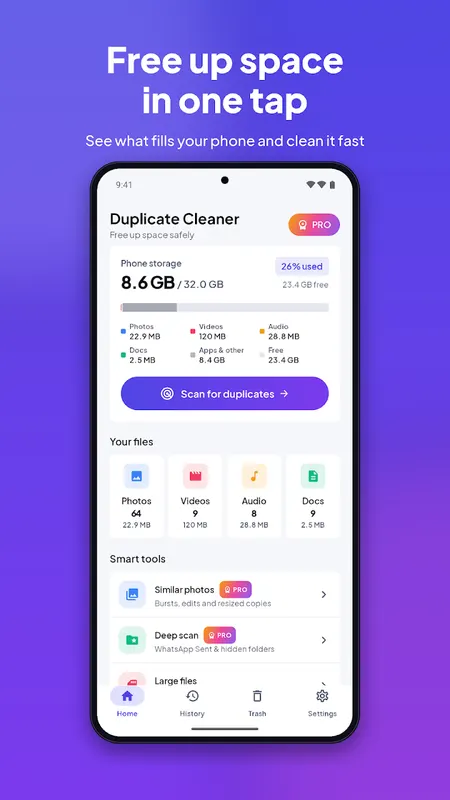
Find exact duplicate photos, videos and files and free up storage safely.
- 100+Downloads
- FreePrice
- EveryoneRated
- Oct 25, 2026Updated
About Duplicate Photo & File Remover
Phone storage full? Duplicate Photo & File Remover finds the copies that pile up from WhatsApp forwards, downloads and backups, and helps you clean them safely. Everything runs on your phone. Your files are never uploaded.
Deleting is always free. No paywall after the scan.
Why People Choose it
- Finds exact duplicate photos, videos, music and documents
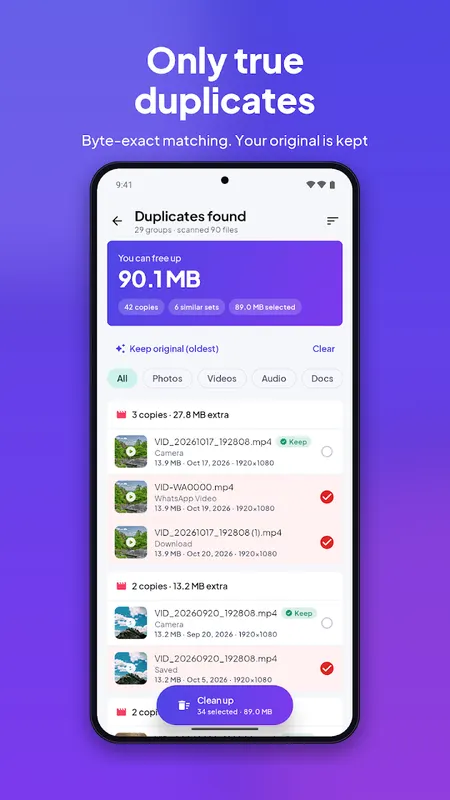
- Byte-by-byte matching: only true copies, never look-alikes by mistake
- Keeps your original automatically and selects only the extra copies
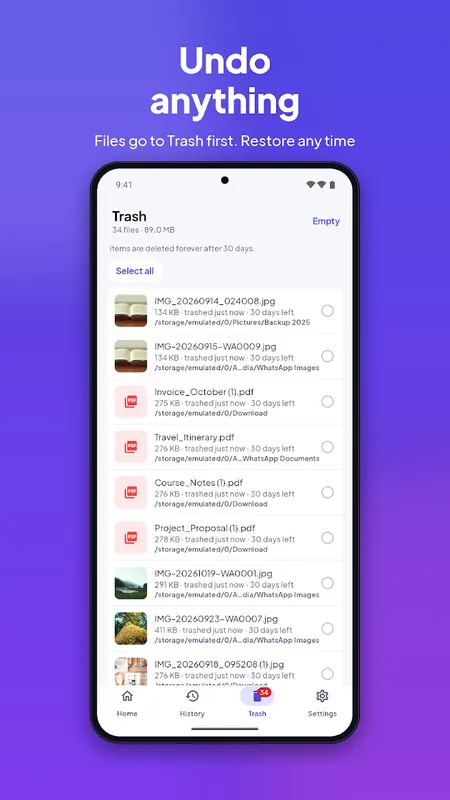
- Safe Trash with one-tap Undo: restore anything before it's gone
- 100% on-device scanning, no account, no sign-up
- Fast: repeat scans take seconds
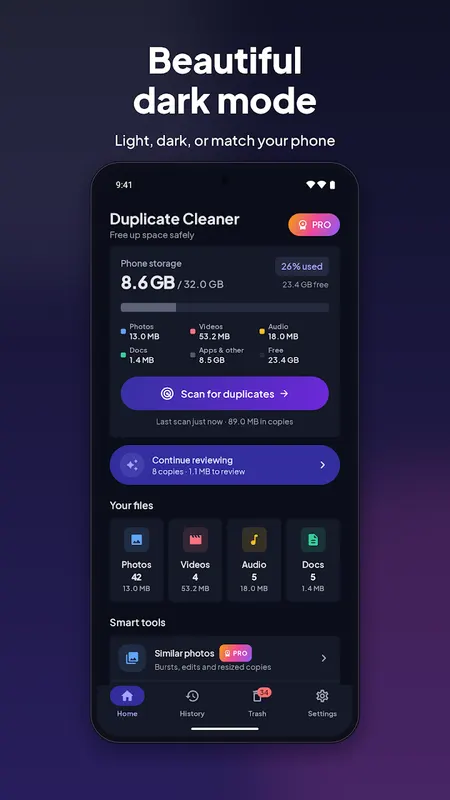
- Clean modern design with light and dark mode
Accurate Duplicate Detection
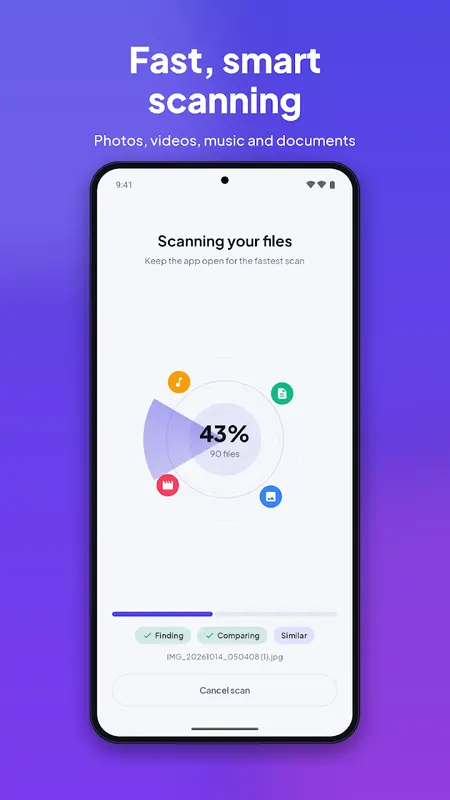
- Scan photos, videos, audio and documents, or just the types you choose
- Every file is compared by its full content (SHA-256), so a match is a real copy
- See each duplicate group with thumbnails, size, folder and date
- The original (oldest copy, camera folder first) is marked "Keep"
Safe by Default
- Cleaned files go to Trash first
- Undo right after cleaning, or restore any time from Trash
- Optional auto-empty after 7, 14 or 30 days
- A warning appears if every copy in a group is selected
More Tools
- Large Files: find the videos and downloads eating your space
- Browse your photos, videos, music and documents by category
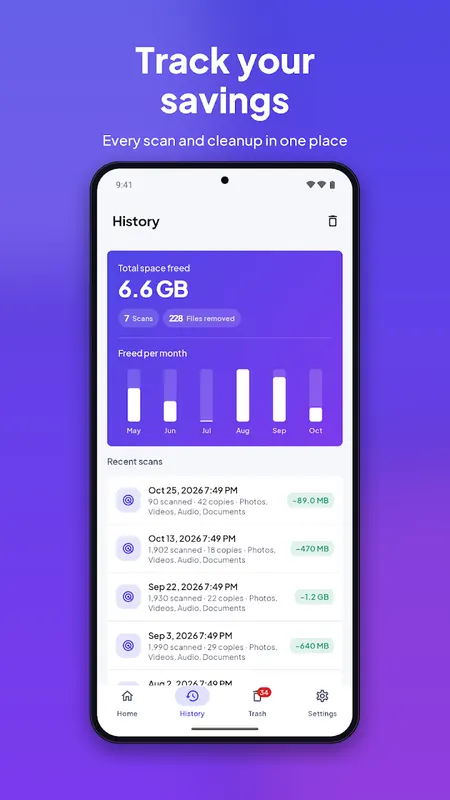
- Scan history: see how much space you have freed over time
Premium (Optional)
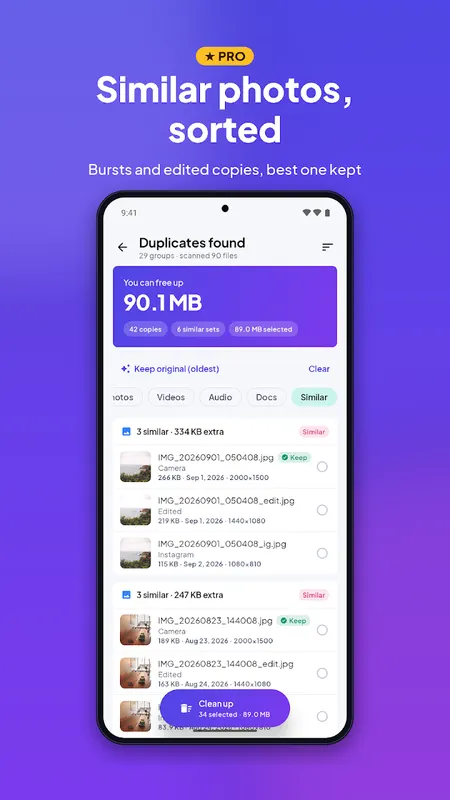
- Similar Photos: find burst shots, edited and resized copies
- Deep Scan: include WhatsApp Sent and hidden folders
- Keep Best Quality: automatically keep the highest-resolution copy
- Protected Folders: folders the scan never touches
- No ads
Monthly, yearly (with free trial) or one-time lifetime purchase. You can also unlock Premium scan features for 24 hours by watching a short video.
Privacy First
Scanning, comparing and cleaning happen only on your device. No file, file name or scan result ever leaves your phone. The free version shows ads from Google AdMob.
How it Works
1. Allow storage access (needed to find and move your files)
2. Choose what to scan
3. Review the duplicate groups. Copies are pre-selected, originals kept
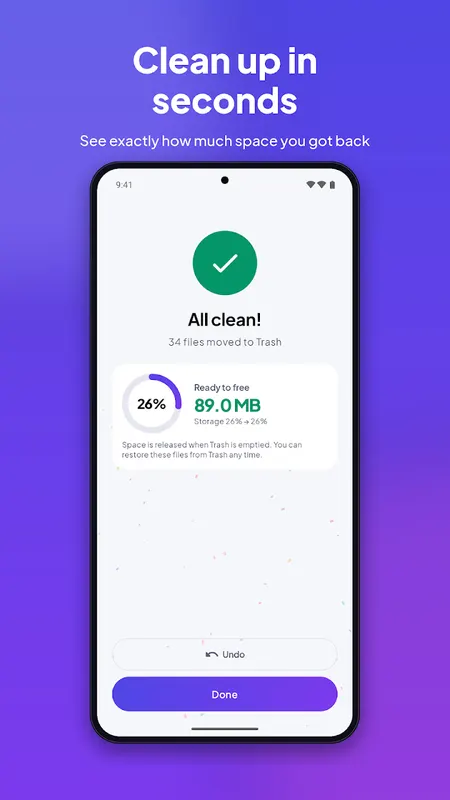
4. Tap Clean up, then move to Trash or delete permanently
5. Enjoy your free space
Perfect for
- "Storage full" warnings
- WhatsApp and Telegram media saved again and again
- Camera backups copied twice
- Messy Download and Documents folders
Questions or ideas? Contact us from Settings. We read every message.
Note: storage access is required to scan and manage your files. Nothing is ever deleted without your tap.
Learn more about duplicate photo remover

Duplicate Photo & File Remover FAQ
Will it delete photos that only look similar?
Not in the standard scan. Every file is compared by its full content (SHA-256), so only true byte-for-byte copies are matched. Look-alike photo matching is a separate, optional Premium feature.
Can I undo a deletion?
Yes. Deleted files go to a Safe Trash with one-tap Undo.
Is deleting free?
Yes. Deleting is always free, with no paywall after the scan.