
Speaker Cleaner: Water Eject
Tuned sound waves that help push water and dust out of your phone speaker.
- 100+Downloads
- FreePrice
- EveryoneRated
- Oct 27, 2026Updated
About Speaker Cleaner
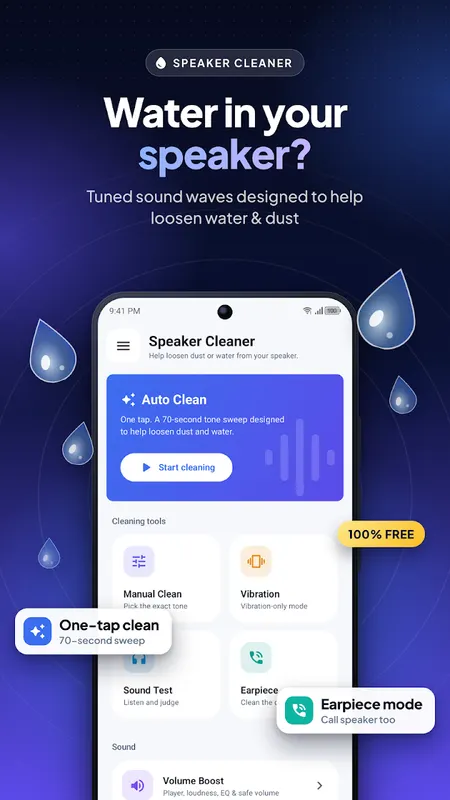
Speaker sounding muffled after rain, a spill or a dusty pocket? Speaker Cleaner: Water Eject plays tuned low-frequency sound waves that make the speaker vibrate, designed to help push water and dust out of the grille. One tap starts a 70-second clean. Every feature is free, with no subscription and nothing locked.
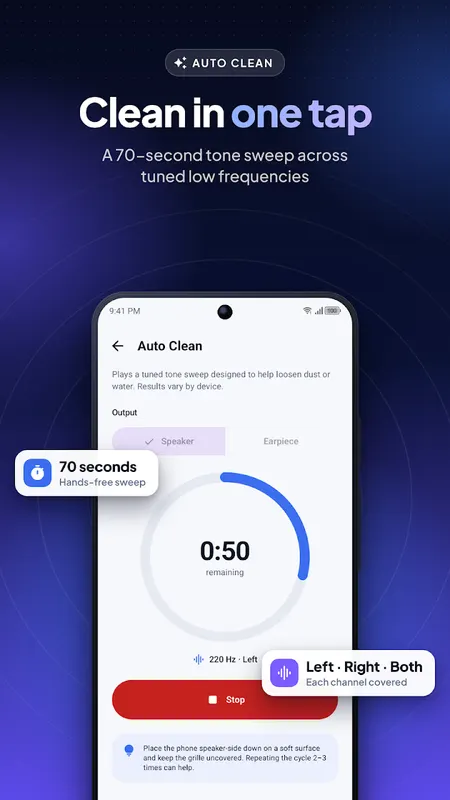
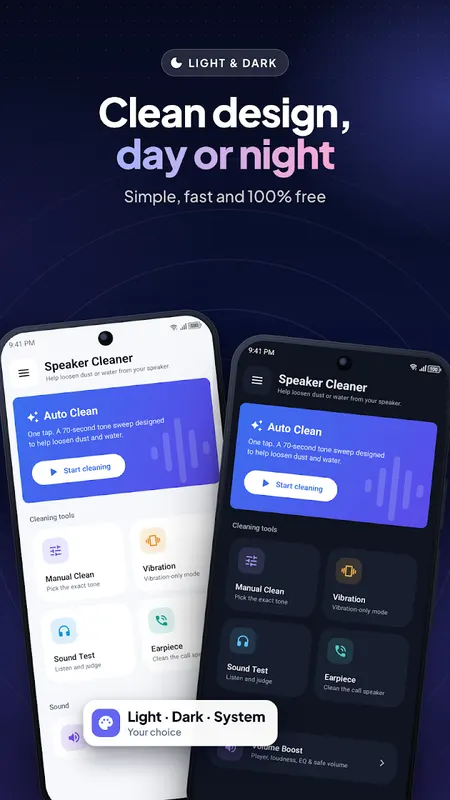
Auto Clean, one tap
- A 70-second sweep of tuned tones through the left, right and both channels
- Clear countdown and progress ring
- Run it 2–3 times when water is stubborn
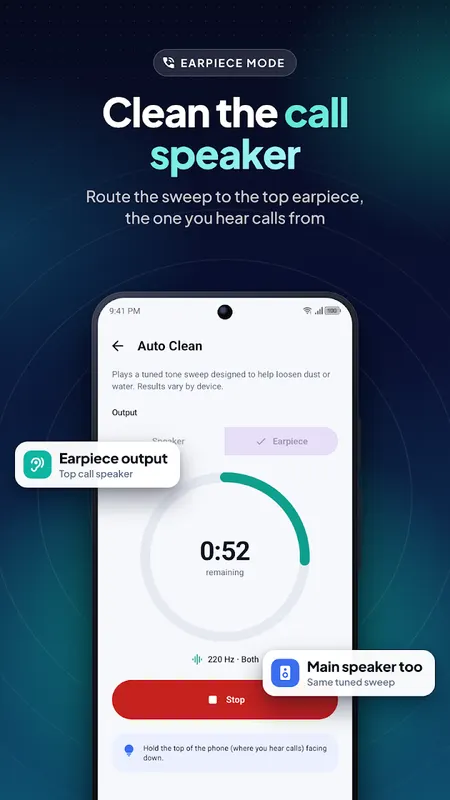
Earpiece Cleaner
- Send the sweep to the top call speaker (earpiece), not only the main speaker
- Useful when calls sound muffled after water exposure
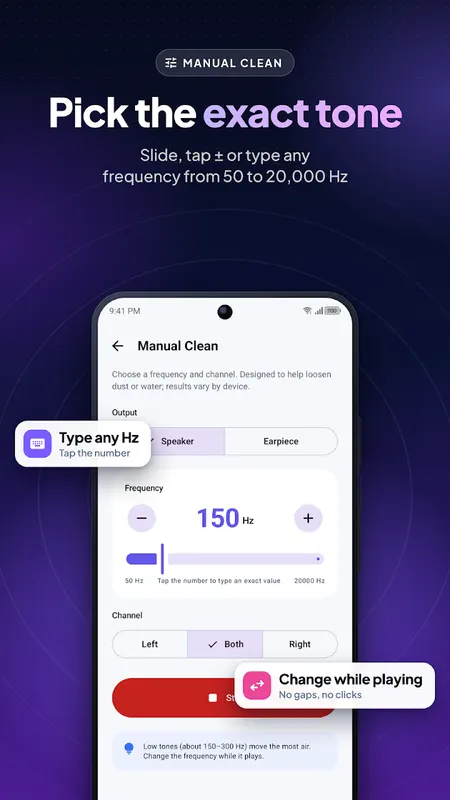
Manual Clean: Pick the Exact Tone
- Any frequency from 50 to 20,000 Hz
- Slide, tap + / −, or type the exact Hz
- Change the tone while it plays, with no gaps or clicks
- Left, right or both channels
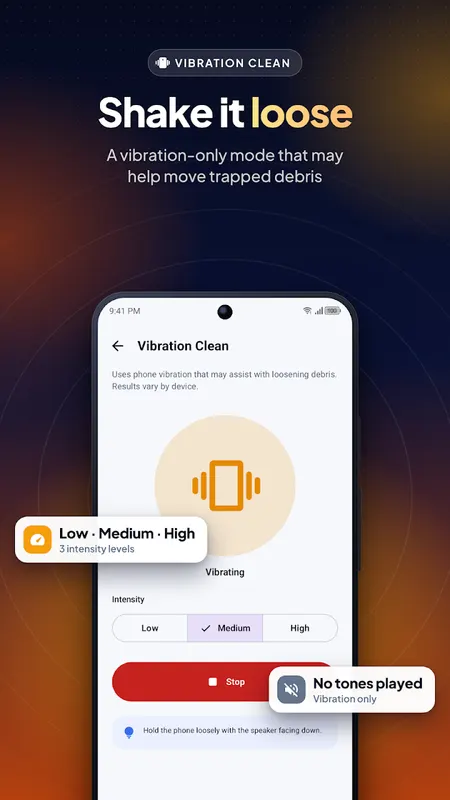
Vibration Clean
- Vibration-only mode with low, medium and high intensity
- No tones played
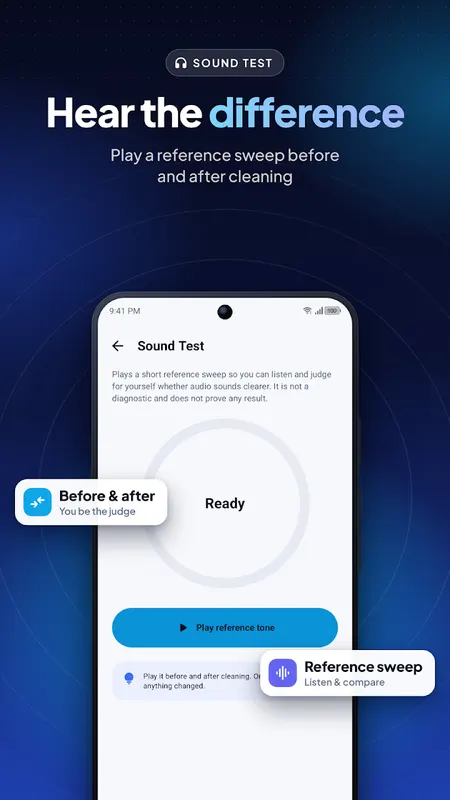
Sound Test
- Play a short reference sweep before and after cleaning and judge for yourself
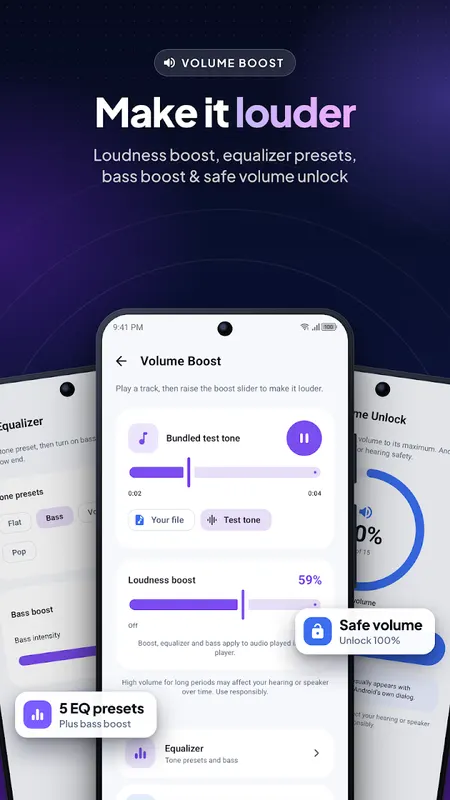
Volume Booster, Bass Booster & Equalizer
- Loudness boost for music, videos or audio files you play in the app
- 5 equalizer presets: Flat, Bass, Vocal, Rock, Pop
- Bass booster with adjustable strength
- Safe Volume Unlock raises your media volume to the maximum in one tap
Built to be Pleasant
- Clean, modern design with light and dark themes
- No ads before your first clean and never during a clean
- Tones stop automatically when you leave the app
- No account, and no microphone, location or storage permission
Tips for Best Results
- Turn the media volume up: tones work best loud
- Place the phone speaker-side down on a soft surface so water can drip out
- Stop if the sound distorts
Please Note
This speaker cleaner, water remover and dust cleaner works with sound and vibration only. It may help loosen water and dust from the speaker grille, but results vary by device and it cannot repair hardware damage. If the phone was submerged or the speaker stays silent, contact a repair service. Loudness boost applies to audio played inside this app. High volume for long periods may affect your hearing or speaker.
Free, supported by ads.
Learn more about speaker cleaner

Speaker Cleaner FAQ
How does Speaker Cleaner remove water?
It plays tuned low-frequency tones that make the speaker cone vibrate. The vibration is designed to help push water droplets and dust out through the grille.
How long does a clean take?
Auto Clean runs a 70-second sweep. If water is stubborn, run it 2–3 times.
Can it clean the call earpiece?
Yes. Earpiece mode sends the sweep to the top call speaker, which helps when calls sound muffled after water exposure.