
Compress Video Size to MB
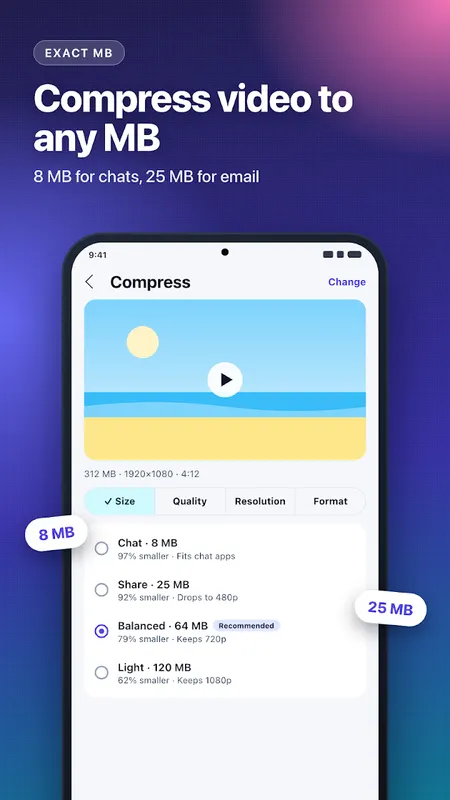
Compress video to an exact MB size for WhatsApp, email and Discord. On-device, no watermark.
- 10+Downloads
- FreePrice
- EveryoneRated
- Oct 28, 2026Updated
About Compress Video Size to MB
Video too big to send? Compress video size to an exact MB in a few taps. Pick a video, choose a size like 8, 16 or 25 MB, and get a smaller video that fits. This video compressor runs fully on your phone: nothing is uploaded, no account, no watermark.
Reduce video size to exact MB
- Type any MB value, or tap a size suggested for your video
- The compressed video stays at or under the size you pick
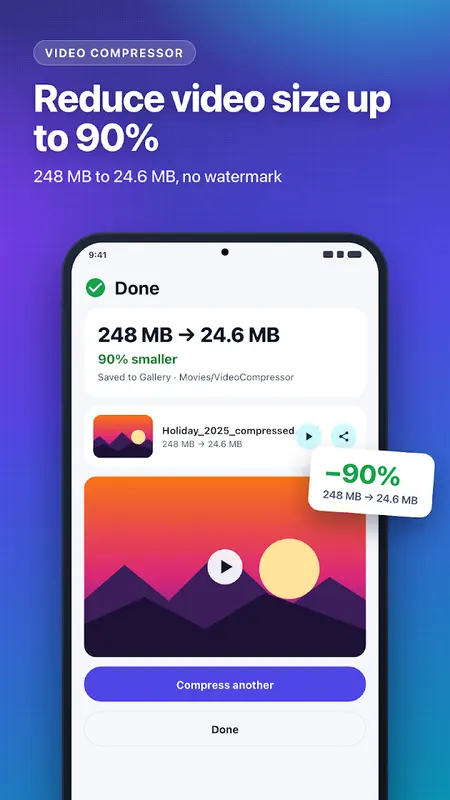
- See the size before and after, and how much space you saved
Compress video for WhatsApp, email and Discord
- Make a video small enough for WhatsApp, Telegram, Discord or email attachments
- Shrink large camera videos to free up phone storage
- Send and upload videos faster on slow or expensive mobile data
Video size reducer with full control
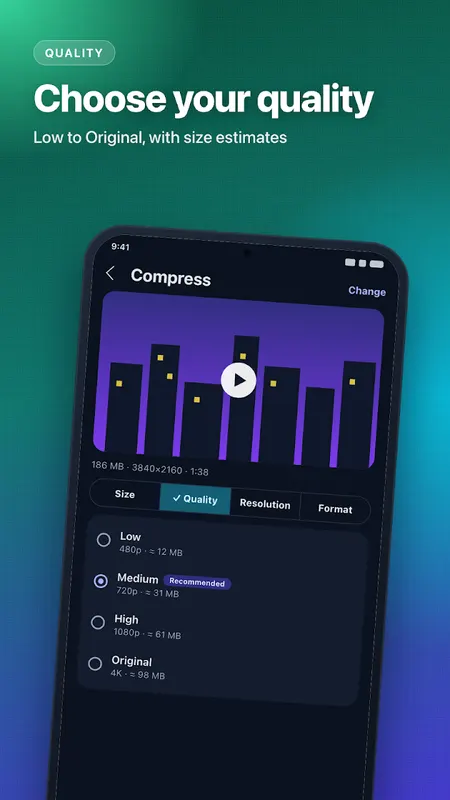
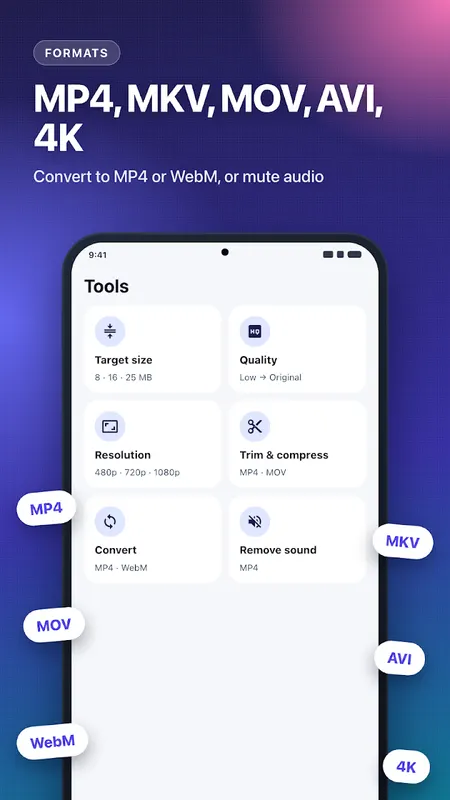
- Quality: Low, Medium, High or Original, with the expected file size
- Resize video: 480p, 720p, 1080p or a custom width, aspect ratio kept
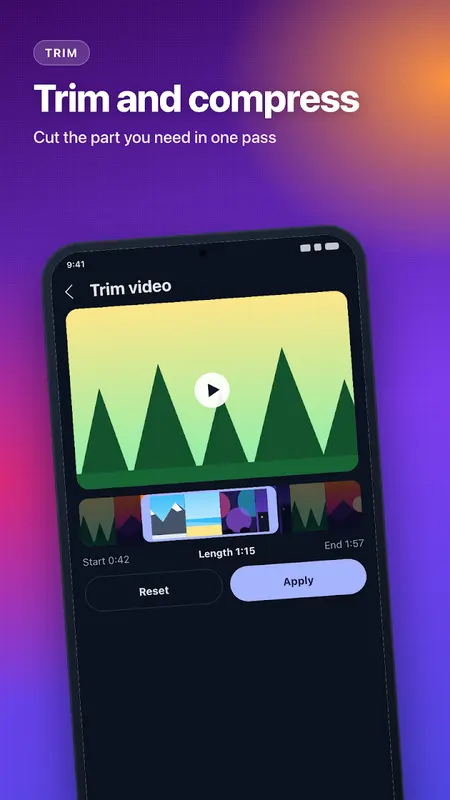
- Trim video: cut the part you need and compress it in one step
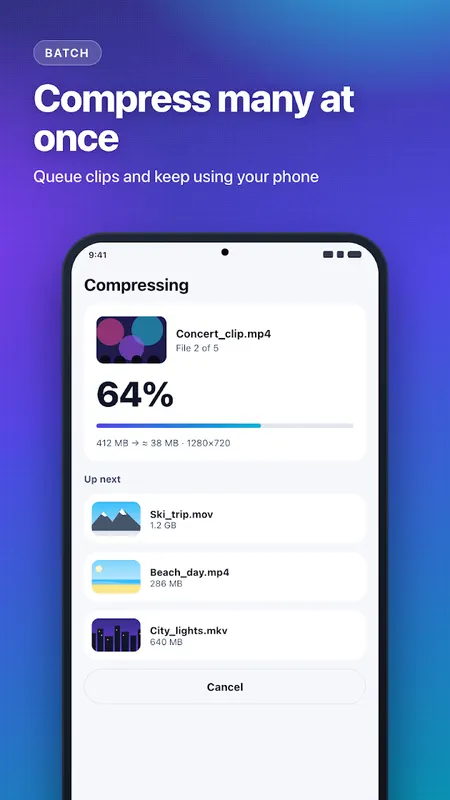
- Batch compress: queue many videos with one setting
- Remove sound from video
- Convert video to MP4 or WebM
- H.265 / HEVC on phones that support it
Fast and reliable
- Uses your phone's hardware video encoder for fast compression
- Keeps compressing in the background with a progress notification
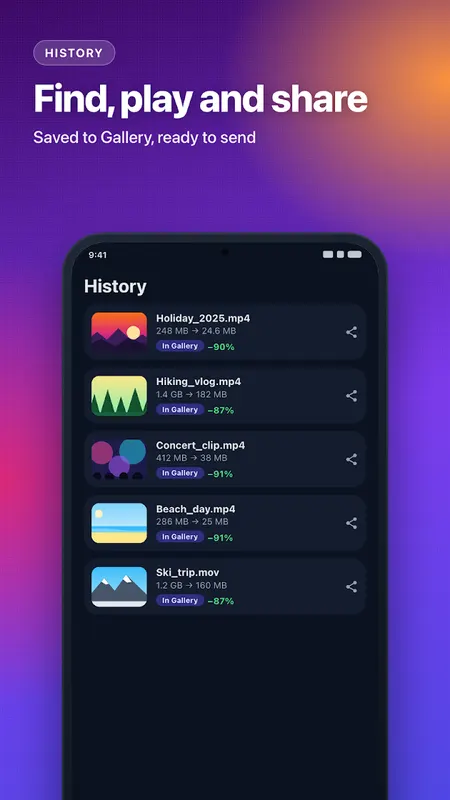
- Saves to your Gallery (Movies/VideoCompressor) and never overwrites a file
- Tells you when a video is already well compressed instead of making it bigger
- History of recent compressed videos: play, share or remove
Supported video formats
Opens MP4, MOV, MKV, WebM, AVI and 3GP videos up to 4K, when your phone can decode them. Saves MP4, which plays almost everywhere.
Private by design
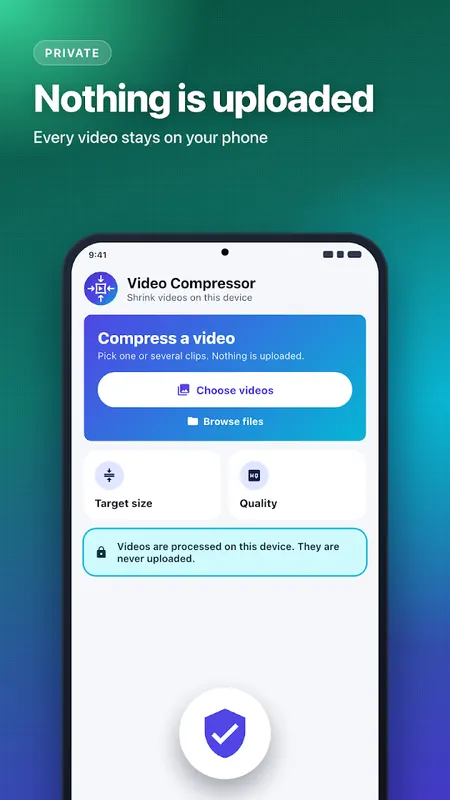
Your videos never leave your phone and the original video is never changed. Video compression happens offline on your device.
How to compress a video
1. Tap + and choose one or more videos, or share a video to Video Compressor from your Gallery or chat app
2. Pick a target size in MB, a quality or a resolution
3. Tap Compress. The smaller video is saved to your Gallery, ready to share
FAQ
How do I reduce video size without losing quality?
For the best picture, choose High or Original quality. For the smallest file, choose a size in MB and the app picks a resolution that fits it.
Can I compress a video for WhatsApp status?
Yes. Pick a small target size or Medium quality, then share the compressed video straight to WhatsApp.
Does it add a watermark?
No. Compressed videos never have a watermark.
Free with ads. No ads appear while you set up or run a compression.
A video that will not compress? Email supportgenzz@gmail.com with your phone model.
Learn more about compress video


Compress Video Size to MB FAQ
Will the video stay under the size I pick?
Yes. The compressed video stays at or under the MB size you choose.
Is my video uploaded?
No. Compression happens offline on your phone, and the original video is never changed.
Is there a watermark?
No. Compressed videos never have a watermark. The app is free with ads, and no ads appear while you set up or run a compression.