SnoopGuard: App Lock & Alert
Free, unlimited app lock with PIN or fingerprint, plus Guard Mode alerts.
- 100+Downloads
- FreePrice
- EveryoneRated
- Nov 11, 2026Updated
About SnoopGuard
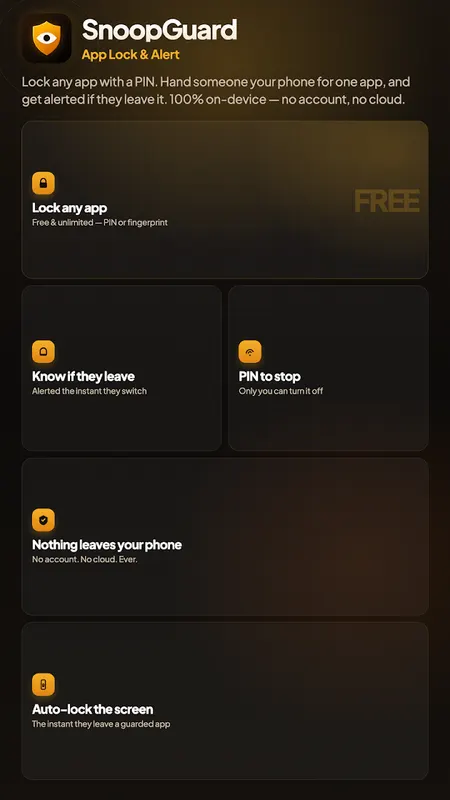
Lock any app on your phone — free, unlimited, and protected by PIN or fingerprint. Plus Guard Mode: know the instant someone leaves an app you're letting them use.
App Lock — Free & Unlimited, no Catch
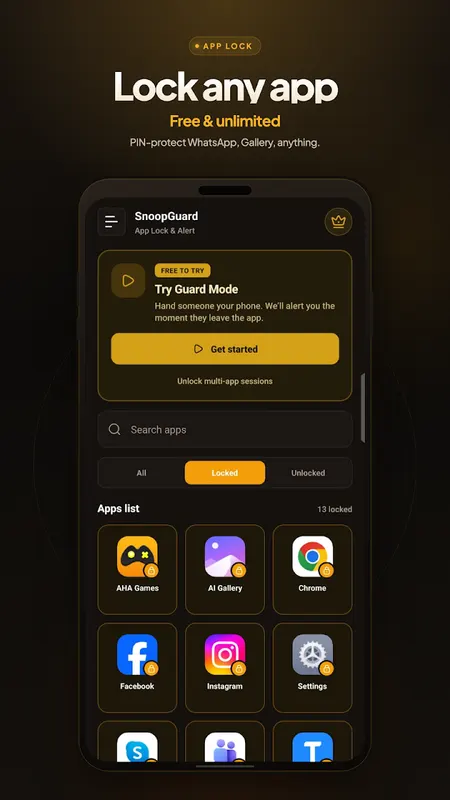
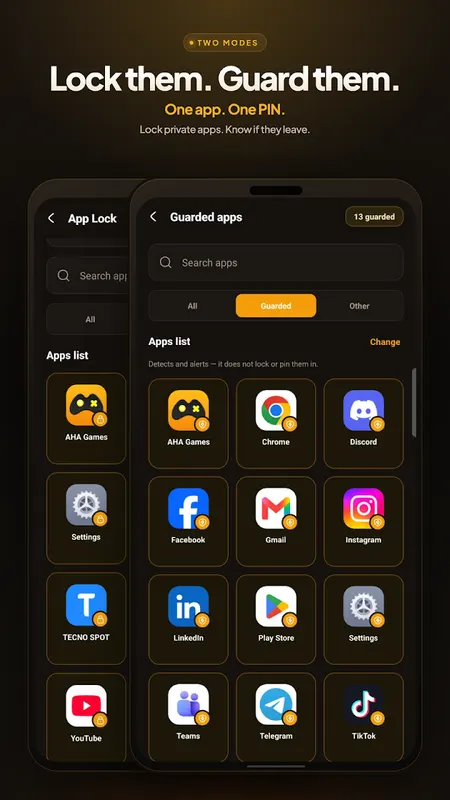
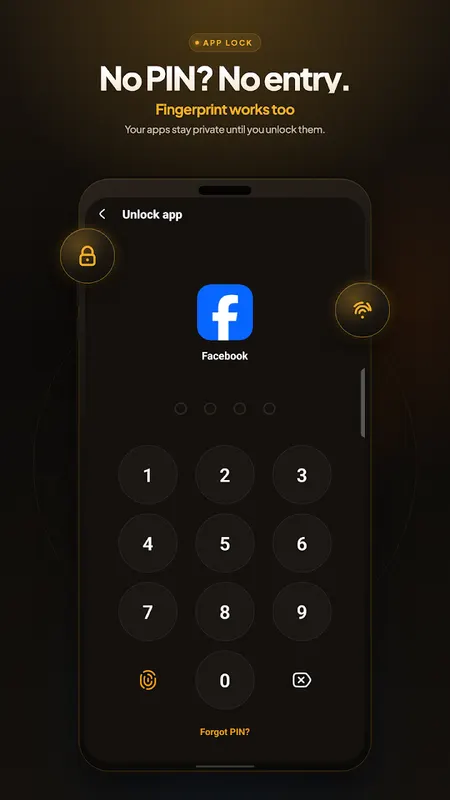
Protect WhatsApp, your gallery, banking apps, social media, or any app on your phone with a PIN or your fingerprint/face. Lock as many apps as you want — there's no limit and no paywall on this. Other app lockers make you pay to lock more than a couple of apps; SnoopGuard doesn't.
Perfect for:
- App lock for WhatsApp, Messenger, Instagram, Snapchat, and any social app
- Gallery lock and photo/video privacy
- Password lock for banking and finance apps
- Keeping kids, coworkers, or family out of apps you'd rather keep private
- Fingerprint lock and face unlock support, so you're never stuck typing a PIN
Guard Mode — for When you Hand Your Phone Over
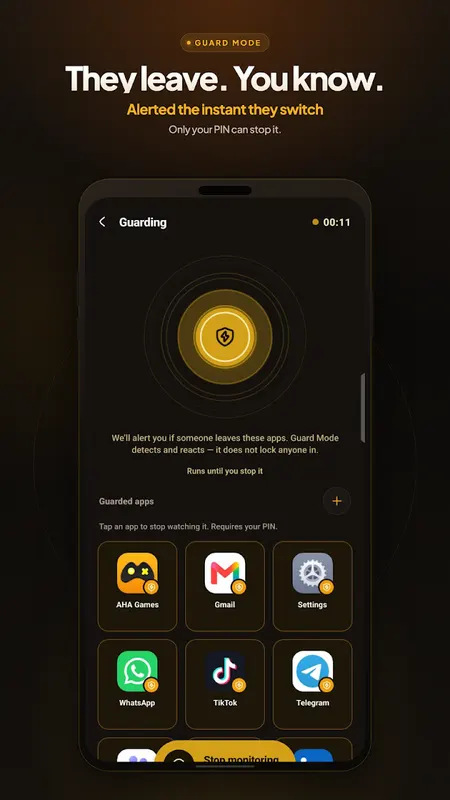
Ever lent your phone to someone for a call, a video, or a single chat — and wondered afterward if they went snooping through your other apps? Guard Mode tells you the instant it happens. Pick the app you're handing your phone over for, start guarding, and get an immediate alert (and, on Premium, an automatic screen lock) if they switch to anything else.
Uninstall Protection
Turn on an extra layer of friction against someone force-closing SnoopGuard or uninstalling it to dodge your app lock. Settings, Play Store, and uninstall all ask for your PIN first. Off by default — you choose to turn it on.
Forgot Your PIN? no Problem
Recover access using your phone's own screen lock — fingerprint, face, pattern, or PIN, whatever you already use to unlock your device. No account, no email reset, no cloud service involved. It all happens on your phone.
Why People Choose Snoopguard
- App lock and app locker features that are actually free and unlimited
- 100% on-device — no account, no login, no cloud, no server
- No ads, no trackers, no data collection
- PIN lock, fingerprint lock, and pattern-based device credential recovery
- Works as a privacy app, app protector, and phone guard all in one
Premium (Guard Mode Extras)
Optional subscription, starting at $1.99/month, with 6-month and yearly plans available:
- Guard multiple apps in a single session
- Custom alert sounds
- Automatic screen lock the instant someone leaves a guarded app
- Full attempt log with timestamps
- Auto-stop session timer
App Lock is completely free no matter what — Premium only adds extras to Guard Mode.
An Honest Note
SnoopGuard uses Android's Accessibility Service, solely to detect which app is on screen so it knows when to show a lock screen or send an alert — never to read on-screen content or act on your behalf. If you'd rather not grant it, both App Lock and Guard Mode still work through Usage Access instead, with a short delay. Guard Mode detects and alerts; it doesn't physically block someone from leaving a guarded app, since Android doesn't allow that between apps. And if SnoopGuard itself is force-closed, monitoring stops until you reopen it — Uninstall Protection adds friction against that, but it's not a guarantee.
Download SnoopGuard: the free app lock and phone guard that respects your privacy — lock what's private, and know the moment someone wanders off.
Learn more about app lock

SnoopGuard FAQ
Is there a limit to how many apps I can lock?
No. SnoopGuard locks as many apps as you want for free, with no paywall.
What is Guard Mode?
When you hand your phone to someone to use one app, Guard Mode alerts you the moment they leave that app.
Does it support fingerprint unlock?
Yes. Apps can be unlocked with a PIN, fingerprint or face unlock.