
SecureShow: Screen Pin & Lock
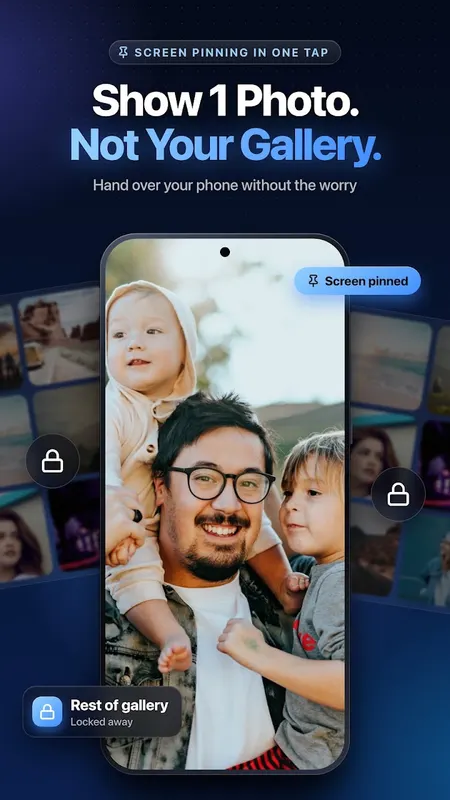
Show one photo, video or PDF. Lock the screen so nobody swipes through your gallery.
- 50+Downloads
- FreePrice
- EveryoneRated
- Aug 13, 2026Updated
About SecureShow
Ever handed your phone to show ONE photo… and they kept swiping through your gallery?
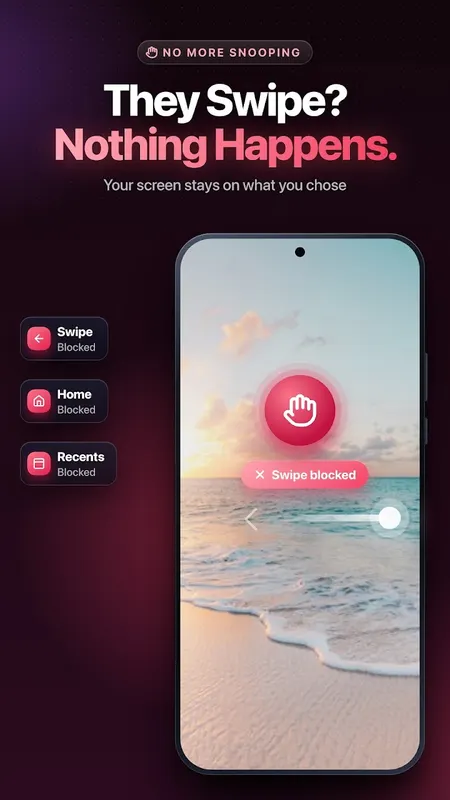
SecureShow locks your screen to exactly what you want to show — one photo, one video, or one PDF — in a single tap. It uses Android's own built-in Screen Pinning (also called App Pinning or "lock screen to one app"), so swiping, Home and Recents stay blocked while the other person looks.
No 7-step Settings hunt. No risky permissions. Just pick, tap, hand over.
Show Photos Safely
- Show a photo to friends, family or relatives without them seeing the rest of your gallery
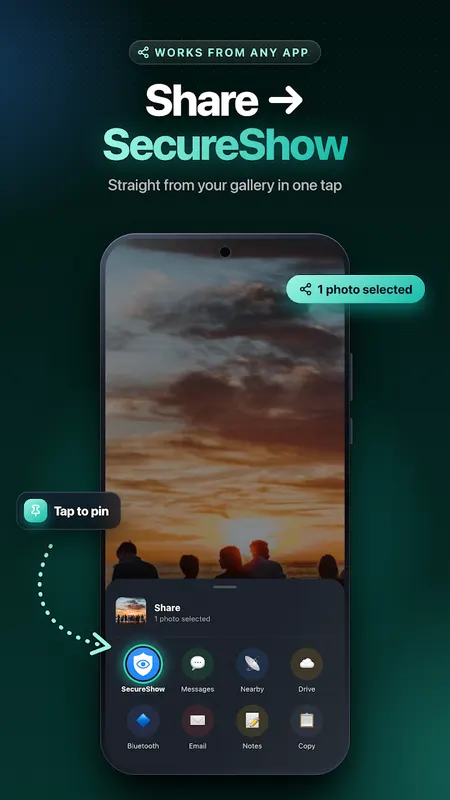
- Share straight from your Gallery or Google Photos: tap Share → SecureShow
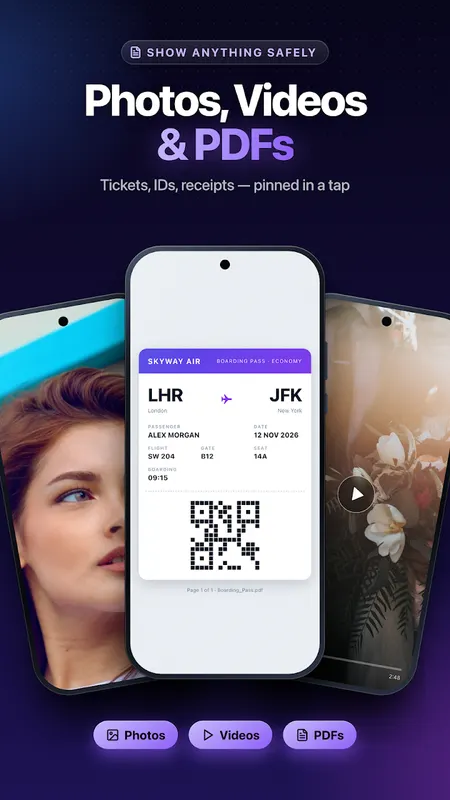
- Works for photos, videos and PDFs (tickets, ID copies, receipts, documents)
Hand Your Phone to Kids
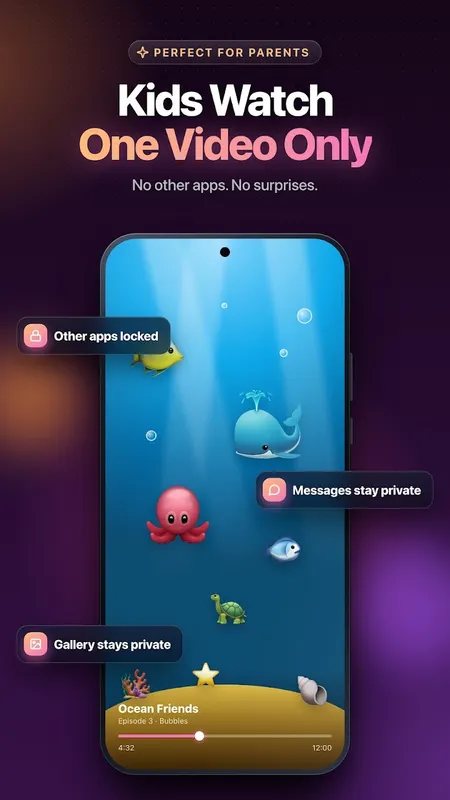
Give your child one video and pin the screen to it. They can watch, but they can't open other apps, your messages or your gallery. A simple child-lock style screen pinning for Android.
Know When Someone Exits
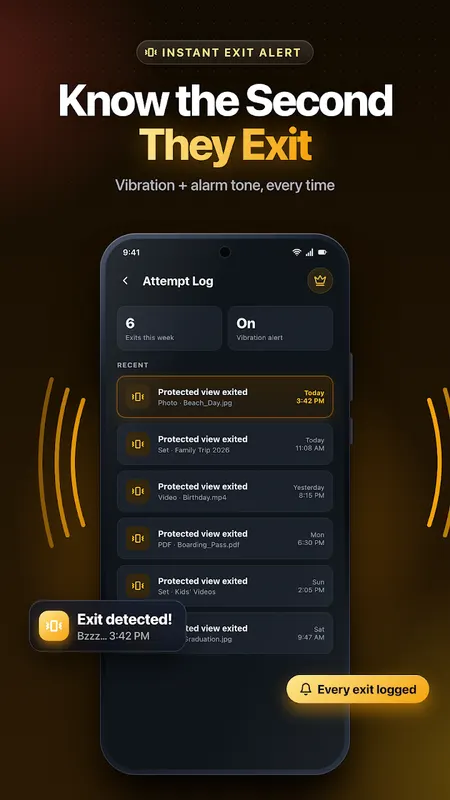
If someone leaves the pinned screen using Android's unpin gesture, SecureShow alerts you with a vibration — so you know the protected view was exited.
- WHAT IS SCREEN PINNING?
Screen pinning is a hidden Android security feature that keeps your phone locked to one app until you unpin it. Most people never find it because it is buried in Settings and named differently on Samsung, Xiaomi, Redmi, Oppo, Vivo, realme, OnePlus and Pixel. SecureShow turns it on in one tap and guides you to enable "Ask for PIN before unpinning" for the strongest protection.
Why Secureshow
- One-tap screen pinning — a lighter alternative to guest mode
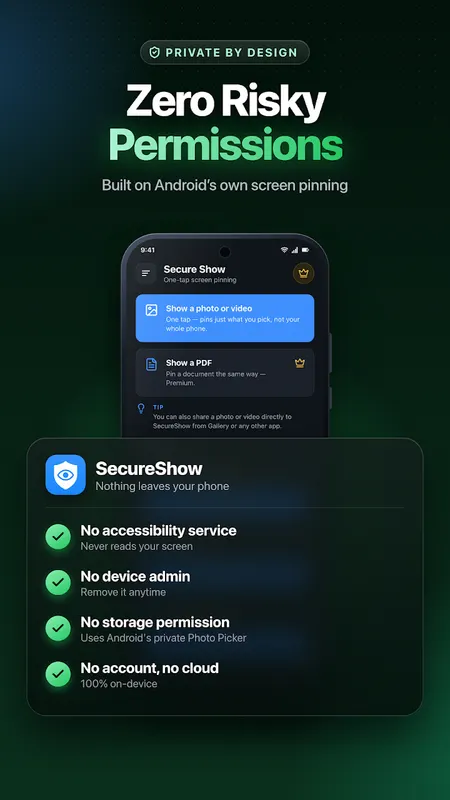
- Zero risky permissions: no accessibility service, no device admin, no contacts, no camera
- No storage permission — uses Android's private Photo Picker
- 100% on-device — no account, no cloud, no tracking of your photos
- Clean, simple, light & dark mode
Secureshow Premium
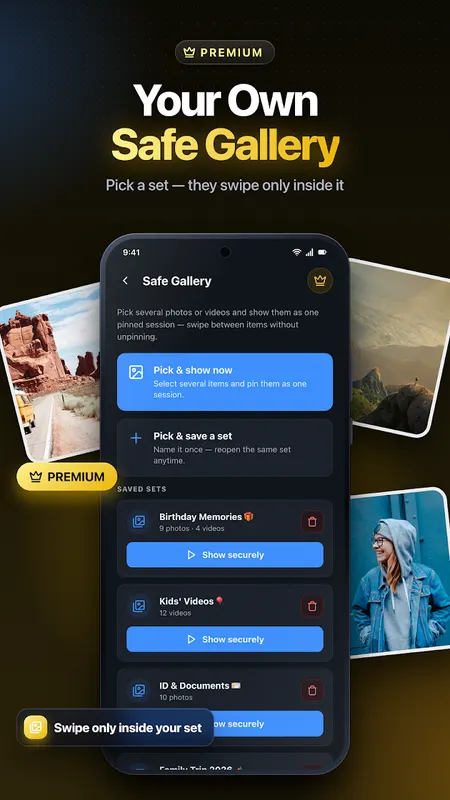
- Safe Gallery — prepare a set of photos/videos in advance and show them all in one pinned session (swipe only inside your set)
- Secure PDF & document viewing
- Custom alert sounds (alarm, beeps, or your own tone)
- Attempt log — history of when the pinned view was exited
- Auto re-lock timeout
Perfect for
- Showing wedding, trip or family photos to relatives
- Showing a ticket, QR code, boarding pass or document at a counter
- Showing product photos to customers (shops, sales, real estate)
- Letting kids watch one video without touching anything else
- Anyone who hates phone snooping
An Honest Note
SecureShow makes Android's built-in Screen Pinning easy to use — it is not an unbreakable lock. Anyone who knows the standard unpin gesture (hold Back + Overview) can still exit, especially if "Ask for PIN before unpinning" is off. SecureShow shows you how to turn it on in seconds.
Pin your screen, show what you want, and stop worrying every time you hand over your phone.
Download SecureShow and stop worrying every time you hand over your phone.
Learn more about screen pinning android



SecureShow FAQ
How does SecureShow lock the screen?
It uses Android's built-in Screen Pinning (App Pinning), so swiping, Home and Recents stay blocked while the other person looks.
What can I show?
A single photo, video or PDF. You can open items straight from Gallery or Google Photos using Share → SecureShow.
Does it need risky permissions?
No. It relies on Android's own Screen Pinning feature instead of risky permissions.