InkType: Text to Handwriting
Turn typed text into natural handwriting pages. English, Urdu, Hindi and Arabic.
- 1+Downloads
- FreePrice
- EveryoneRated
- Nov 9, 2026Updated
About InkType
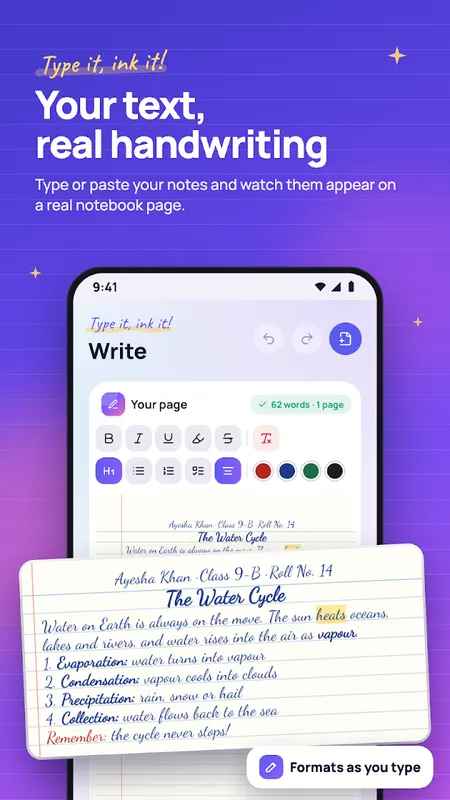
InkType turns your typed text into neat, natural handwriting on real notebook pages: ruled, grid or blank paper, ready to save as a PDF or images.
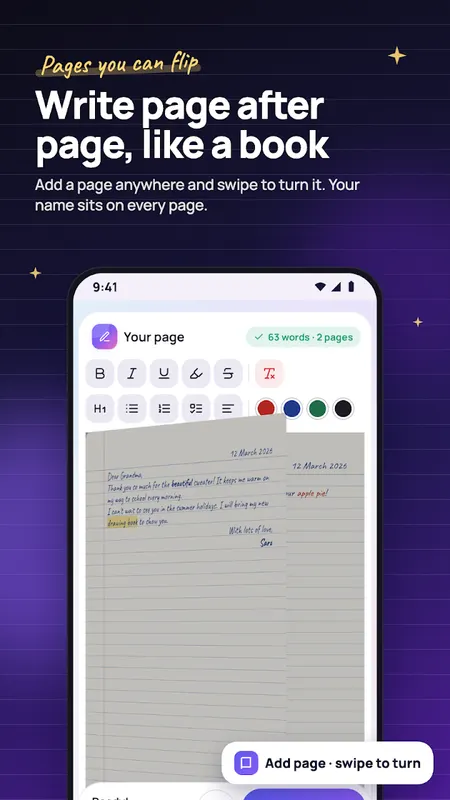
Type (or paste) your notes, choose a handwriting and watch them appear on the page as you write. Add a name and roll number at the top, start a new page whenever you like, and flip through your pages like a notebook.
Real Handwriting, not a Font Preview
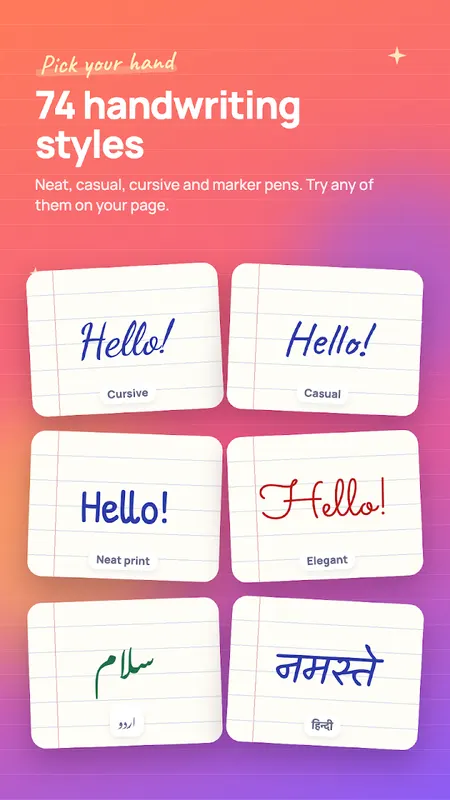
- 74 handwriting styles: neat print, casual notes, joined-up cursive and marker pen
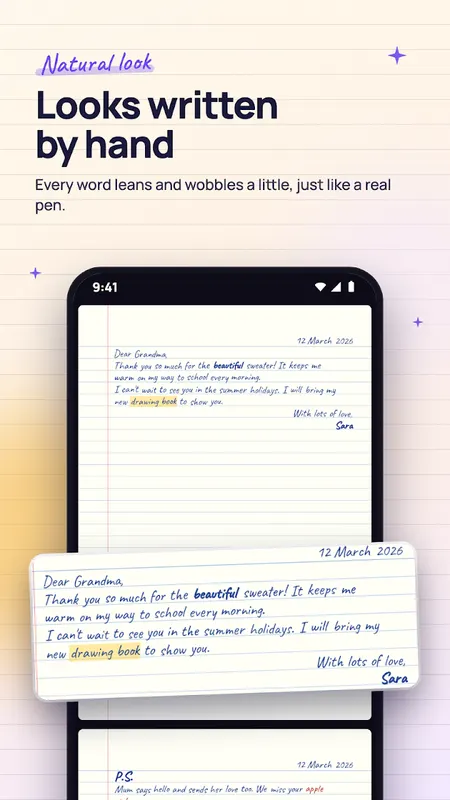
- "Natural look" adds the small wobbles of a real pen: words lean, spacing varies, ink gets lighter and darker
- Blue, black, red or green ink, and three text sizes
- Ruled, grid or blank paper in A4 or Letter
English, اردو, हिन्दी, عربي
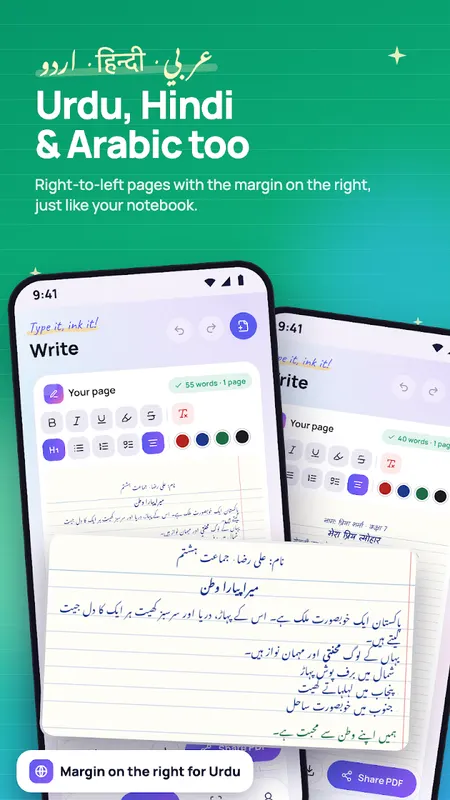
- Urdu in Nastaliq, Arabic and Hindi (Devanagari) handwriting
- Urdu and Arabic pages are written right-to-left, with the margin on the right
- Mix languages on one page: each word is written in a hand that fits its script
Format Like a Notebook
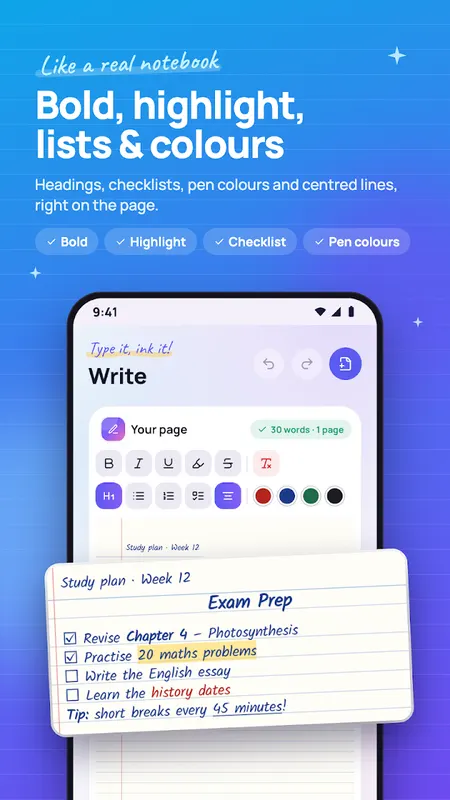
- Bold, italic, underline, strike-through and highlighter
- Headings, bullet lists, numbered lists and checklists
- Pen colours for single words
- Centre or right-align any line
- Page header for your name, class, roll number or date, repeated on every page
- Add a page wherever you want the next page to start
Save and Share
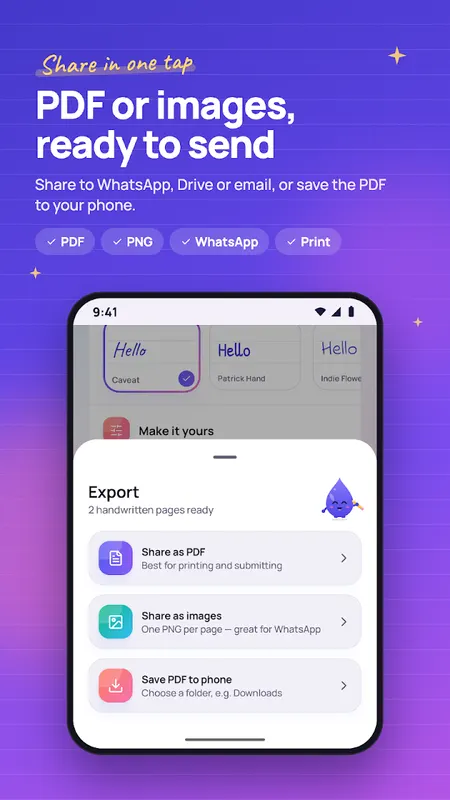
- Export as a multi-page PDF or as PNG images
- Share straight to WhatsApp, Drive, email or print
- Share text from any app to InkType and it opens ready to write
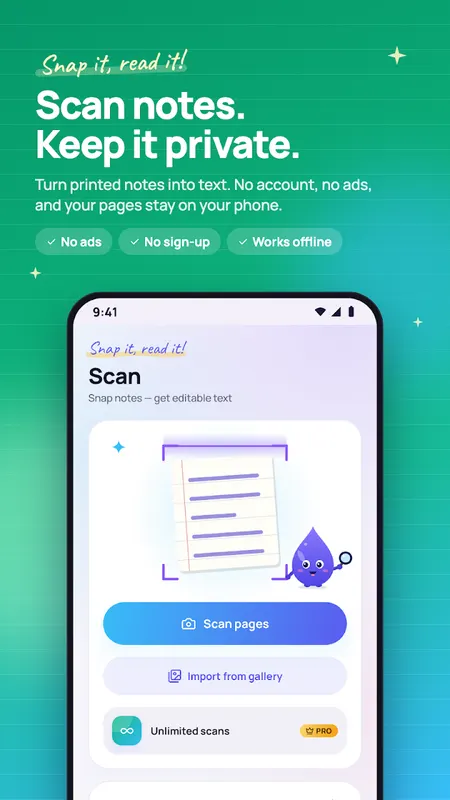
Scan to Text
- Photograph printed or handwritten English notes and get editable text
- Uses Google's document scanner for clean, cropped pages
- Text recognition runs on your phone
Private and Offline
- No account and no sign-up
- Your documents stay on your phone; we run no server that stores them
- No ads and no tracking
Inktype pro
Free gives you 9 handwriting styles (at least one for every language) and a daily scan allowance. You can try every Pro handwriting on your page before you buy. Pro unlocks:
- All 74 handwriting styles
- Unlimited scans
- PDFs and images without the InkType footer
Pro is available as a monthly or yearly subscription, or as a one-time lifetime unlock. Subscriptions renew automatically until cancelled; you can cancel anytime in Google Play → Payments & subscriptions.
Good for: neat class notes, practice sheets, journals, letters, cards, worksheets and personal documents.
Please use InkType for practice, notes and personal documents, and follow your school's rules on handwritten work.
Questions or ideas? Write to supportgenzz@gmail.com
Learn more about text to handwriting
InkType FAQ
How many handwriting styles are there?
74 styles, from neat print and casual notes to joined-up cursive and marker pen. 9 are free (at least one per language), and InkType Pro unlocks all 74.
Which languages are supported?
English, Urdu (Nastaliq), Hindi (Devanagari) and Arabic, with right-to-left pages for Urdu and Arabic.
Can I export the pages?
Yes. Save them as a PDF or as images.