Camera Blocker: Anti Spy Guard
Block camera access in one tap, see which apps used your camera and get alerts when protection turns off.
- 100+Downloads
- FreePrice
- EveryoneRated
- Nov 11, 2026Updated
About Camera Blocker
Camera Guard — Camera Blocker & Privacy Protection
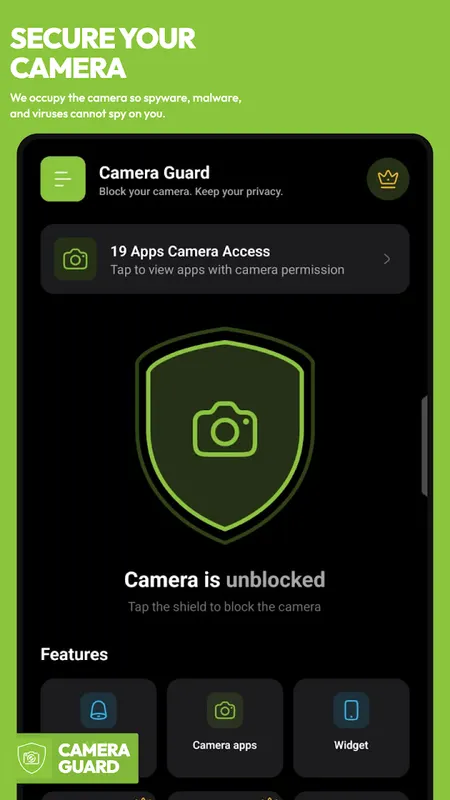
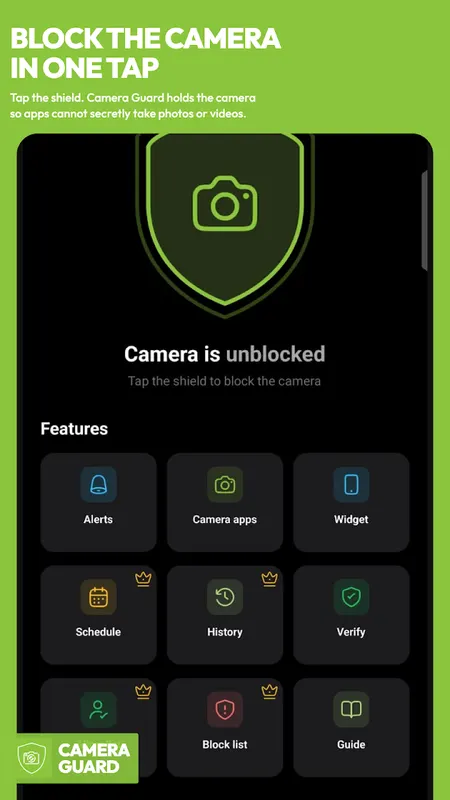
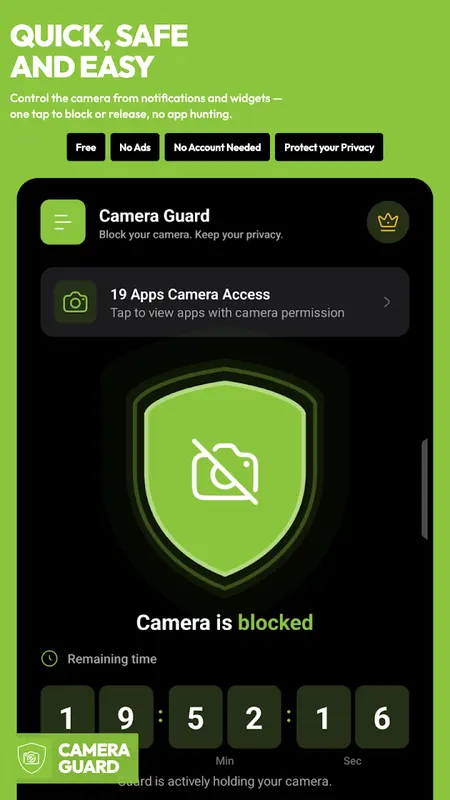
Take control of your camera with one tap. Block camera access, monitor which apps use your camera, and get alerts when protection is turned off.
No ads. No tracking. No Device Administrator access.
Worried an app is using your camera without you noticing? Camera Guard
gives you a real, one-tap way to take control — block camera access
instantly, see exactly which apps have used your camera and when, and
get alerted the moment protection turns off. No ads. No tracking. No
hidden gaps we know about and don't tell you.
Why Camera Guard is Different
Most camera blocker apps quietly stop protecting you for a few hours a
day and never tell you, or use invasive device-administrator controls
that can break your phone's camera settings and make the app hard to
uninstall. Camera Guard doesn't do either:
- No Device Administrator access — ever. Install and uninstall like any
normal app, with no special privileges to grant or revoke first.
- Always know your real status — live on-screen, never hidden.
- Get alerted the instant protection turns off — safety first, never
paywalled.
- Verify Protection tool — test it yourself, don't just take our word
for it.
- Zero ads, in free or premium — we don't sell your attention.
- Minimal permissions — only what camera blocking actually requires.
One-tap Camera Block
Block and occupy your camera with a single tap — no root, no
device-administrator setup, nothing to undo before you can uninstall.
On phones that can open only one camera at a time (common), Guard holds
the back camera by default. You can switch the held lens to the front
in Settings. This is not Device-Admin exclusivity: a foreground camera
app with higher system priority (stock Camera, some chat cameras) can
temporarily take the session. Guard alerts you when that happens and
restores the block when they close the camera.
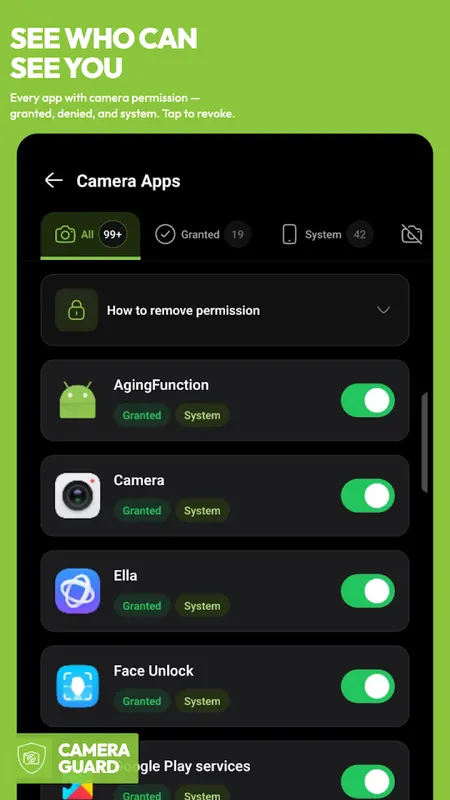
See What's Using Your Camera
Real-time camera access monitor shows you exactly which apps have used
your camera and when — so you always know, instead of guessing.
Smart, app-Aware Protection
Unlike blockers that break the app you're actively using, Camera Guard
prompts you before it blocks an app you're using right now — so
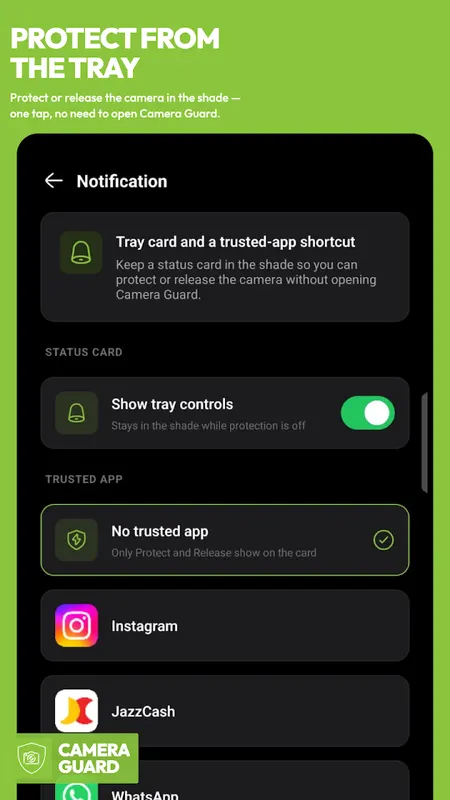
protection never surprises you mid-task. When an app tries the camera
while protection is on, a tap-to-view alert opens a Camera Guard screen
(Allow 5 minutes, keep blocked, or send Guard to the front so you can
swipe the app in Recents). That screen is not an automatic overlay and
does not use overlay permission.
Camera Guard Premium
Upgrade for round-the-clock protection with zero daily gaps:
- 24-hour uninterrupted camera blocking — no daily limit
- Custom auto-block schedules
- Per-app whitelist & blacklist rules
- Full camera-access history & timeline
- Real-time push alerts the moment any app touches your camera
- Exportable PDF access report
Privacy by Design
Camera Guard requests only the permissions it needs to function —
nothing more. No Device Administrator, no ads, no data collection
beyond what stays on your phone. We don't hide our limitations: this
app blocks camera access at the hardware-session level. On some
devices only one lens can be held at a time, and a higher-priority
foreground camera app can temporarily take the session — Guard alerts
you and restores the hold when they close. Those limits are disclosed
here and in-app rather than silently claimed as solved.
Take back control of your camera today — with an app that's honest
about what it does.
Learn more about camera blocker
Camera Blocker FAQ
Does Camera Guard need Device Administrator access?
No, never. It installs and uninstalls like any normal app.
Can I see which apps used my camera?
Yes. It shows which apps have used your camera and when. Premium adds a full access history and real-time alerts whenever an app touches the camera.
Does it have ads?
No. There are zero ads in both the free and Premium versions.