AudioAI: MP3 Converter, Cutter
Video to MP3, ringtone cutter, audio merger, noise removal and speech to text. Offline.
- 100+Downloads
- FreePrice
- EveryoneRated
- Oct 29, 2026Updated
About AudioAI
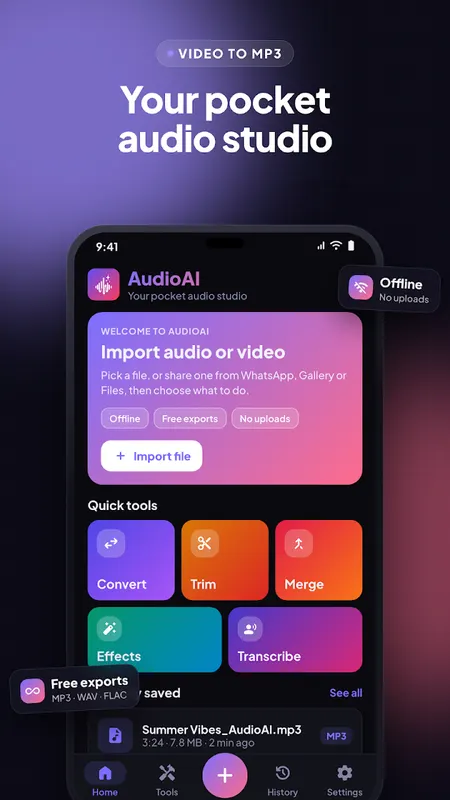
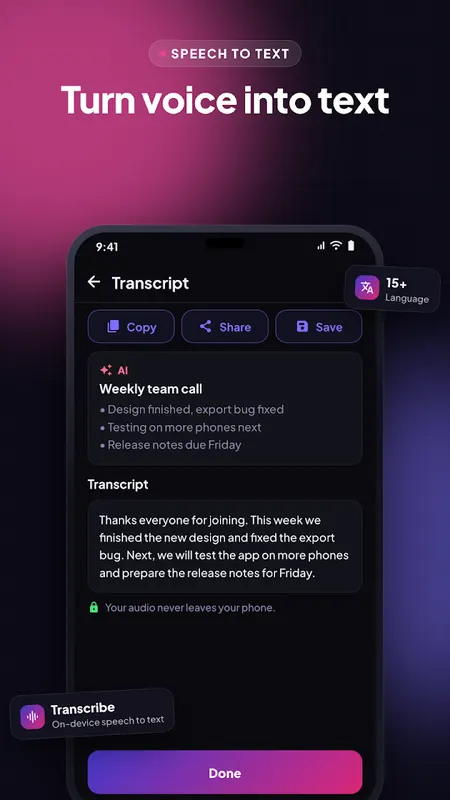
AudioAI is a complete audio studio on your phone. Convert video to MP3, cut songs and make ringtones, merge clips, clean up noisy recordings and turn speech into text. Every tool runs offline on your device, every export is free, and nothing is ever uploaded.
What you can do
- Video to MP3: extract the sound from any video in seconds
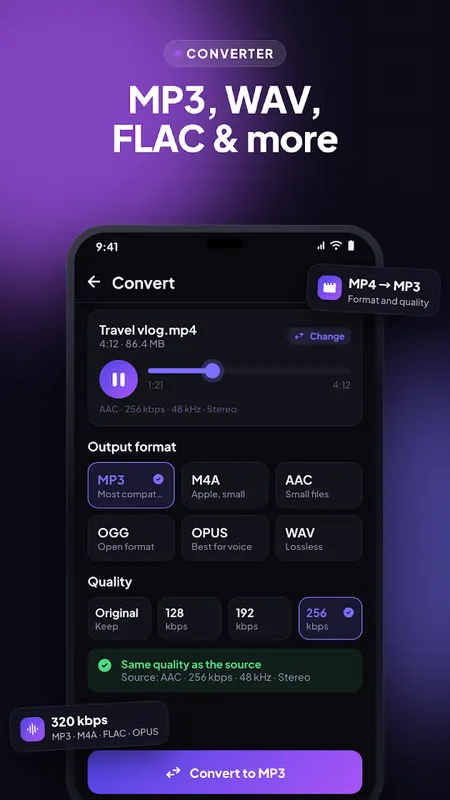
- Audio converter: MP3, M4A, AAC, WAV, FLAC, OGG and Opus at 64 to 320 kbps
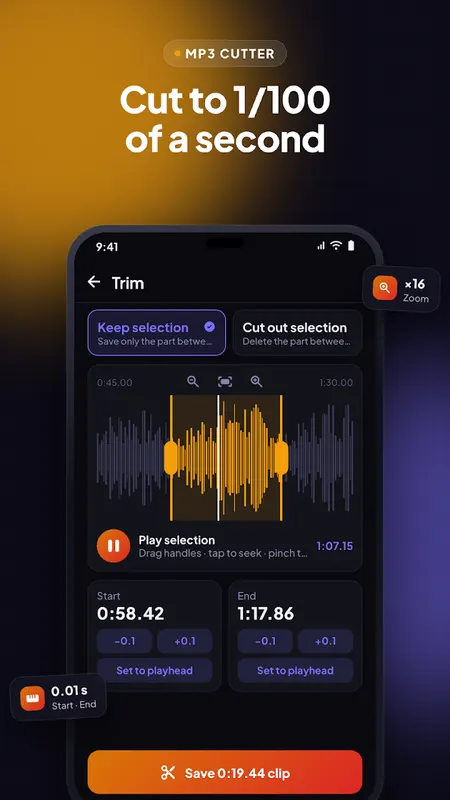
- MP3 cutter: trim on a zoomable waveform, accurate to 1/100 of a second
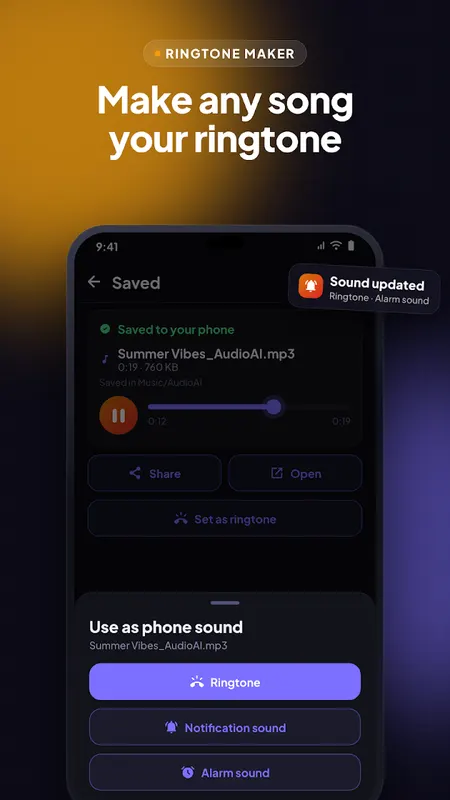
- Ringtone maker: set any clip as your ringtone, notification or alarm sound
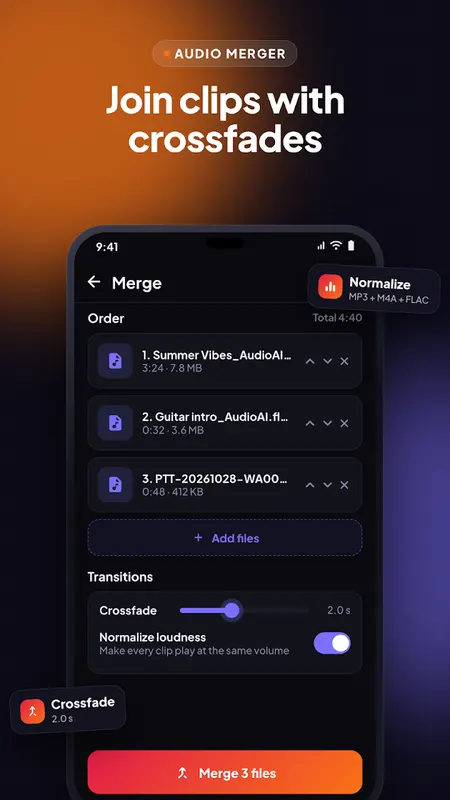
- Audio merger: join songs and voice notes with smooth crossfades
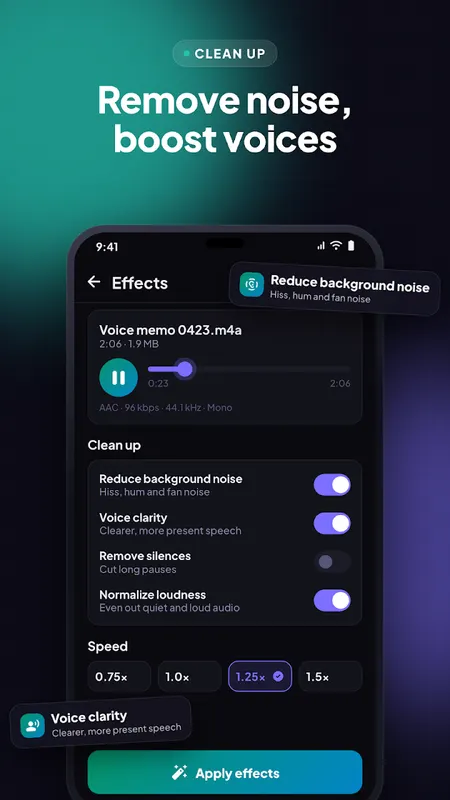
- Noise reduction: remove hiss, hum and background noise
- Voice clarity, bass boost, speed, pitch, volume and fades in one pass
- Speech to text: transcribe voice notes, lectures and podcasts on your phone
Made for the way you use Audio
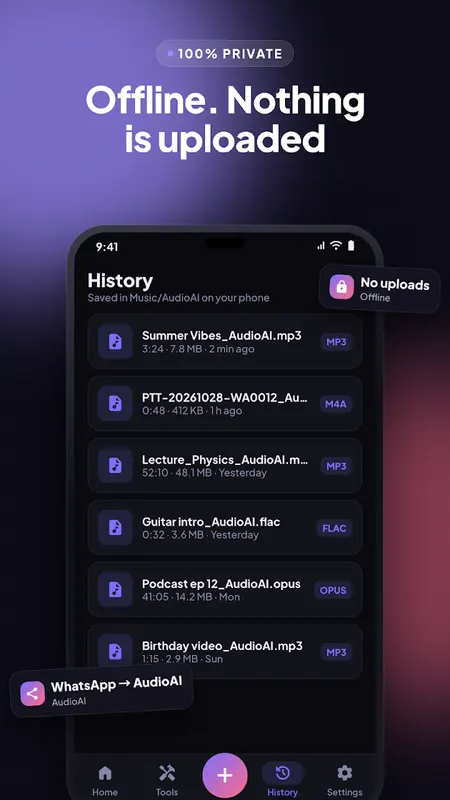
- Share a WhatsApp voice note, video or song straight into AudioAI
- Batch convert many files at once
- Cut out the middle of a recording, not only the ends
- Type an exact start or end time, or nudge by 0.1 second
- Keep original quality: copies the audio without re-encoding when possible
- Honest quality: AudioAI shows the source bitrate and tells you before an export would lose quality
- Every clip is evened out with loudness normalization when you want it
Files and Formats
Opens MP3, M4A, AAC, WAV, FLAC, OGG, Opus, AMR, WMA and audio from MP4, MKV, MOV, WEBM, AVI and 3GP videos. Saves to Music/AudioAI so your exports appear in every music player.
Private by Design
Your files are processed on your phone and never uploaded. No account, no watermark, no limits on length or number of exports.
Available in 15 Languages
English, Español, Português, Français, Deutsch, Русский, Türkçe, العربية, اردو, हिन्दी, বাংলা, Bahasa Indonesia, Tiếng Việt, ไทย, 日本語.
Free with ads. Speech to text needs a phone with Android 12 or newer and Google's on-device speech services.
Questions or a file that will not open? Email supportgenzz@gmail.com.
Learn more about video to mp3

AudioAI FAQ
Are my files uploaded?
No. Every tool runs offline on your phone and nothing is ever uploaded.
Which formats can it convert to?
MP3, M4A, AAC, WAV, FLAC, OGG and Opus, at 64 to 320 kbps.
Does speech to text work on every phone?
It needs Android 12 or newer and Google's on-device speech services.
Is it free?
Yes, AudioAI is free with ads, and every export is free with no watermark.