
App Permission Manager Pro
Check every app's permissions, spot risky apps and get one privacy score for your phone.
- 100+Downloads
- FreePrice
- EveryoneRated
- Oct 26, 2026Updated
About App Permission Manager Pro
Who can use your camera, microphone, location and contacts? Permission Manager Pro scans every app on your phone and shows, in plain words, what each one can access. Find risky apps, check app permissions and take back control of your privacy in seconds.
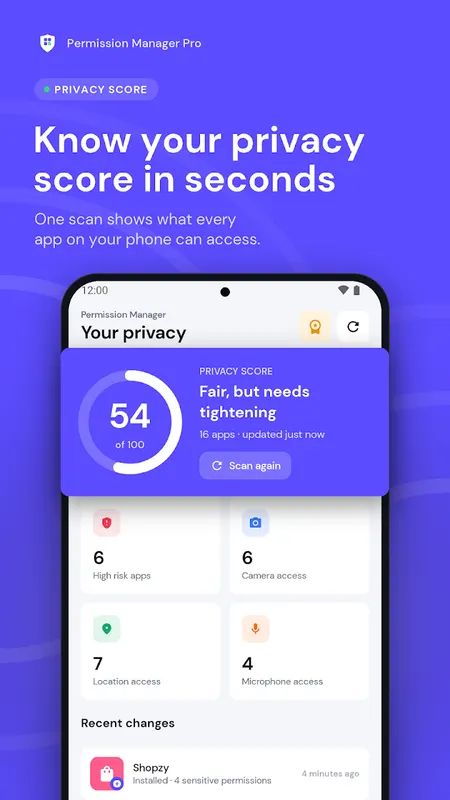
Your privacy score in one scan
- One privacy score for your whole phone, from 0 to 100
- Every app gets a risk level: High, Medium or Low
- Scanning happens on your device. Your app list never leaves your phone.
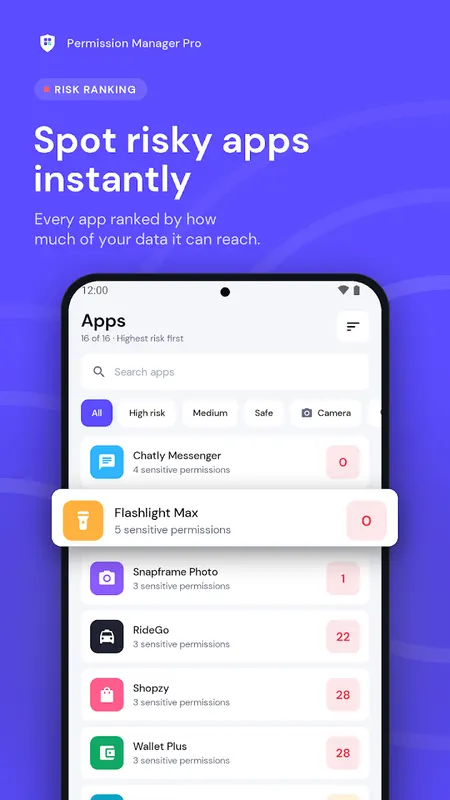
Spot risky apps instantly
- Apps ranked by how much of your data they can reach
- Flags apps that hold both camera and microphone access
- Show only your apps, or include system apps too
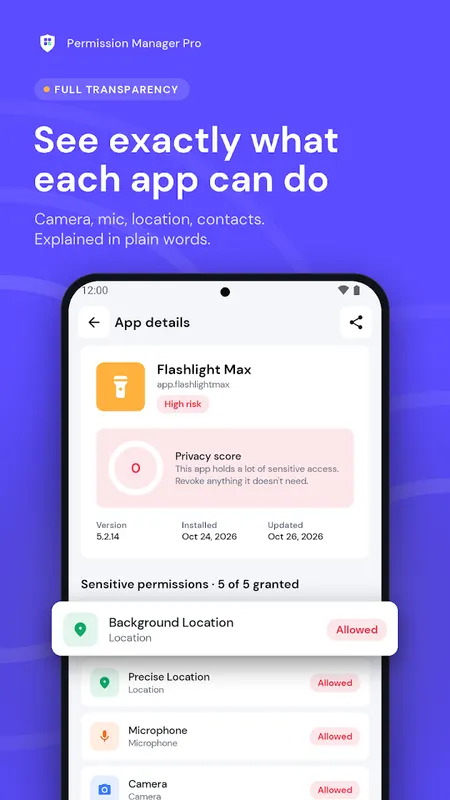
A clear app permission checker
- Every permission explained in simple words, no tech jargon
- See granted and denied permissions at a glance
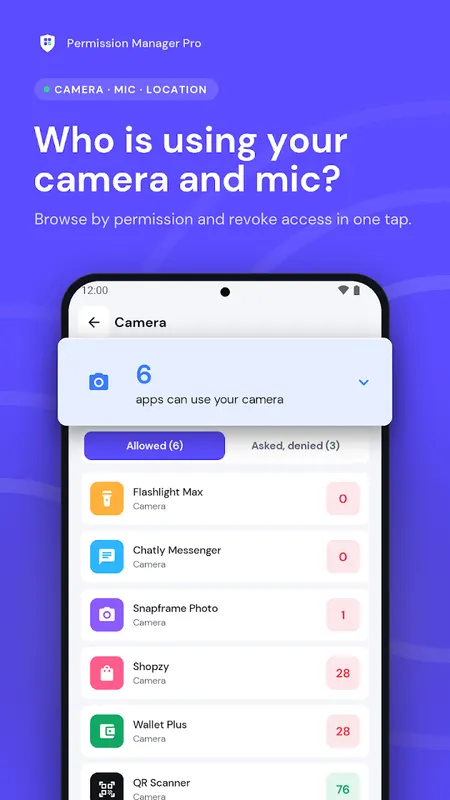
- Browse by permission: Camera, Microphone, Location, Contacts, SMS, Phone, Storage, Calendar, Body sensors and more
- One tap takes you to Android settings to turn a permission off
Smart permission alerts
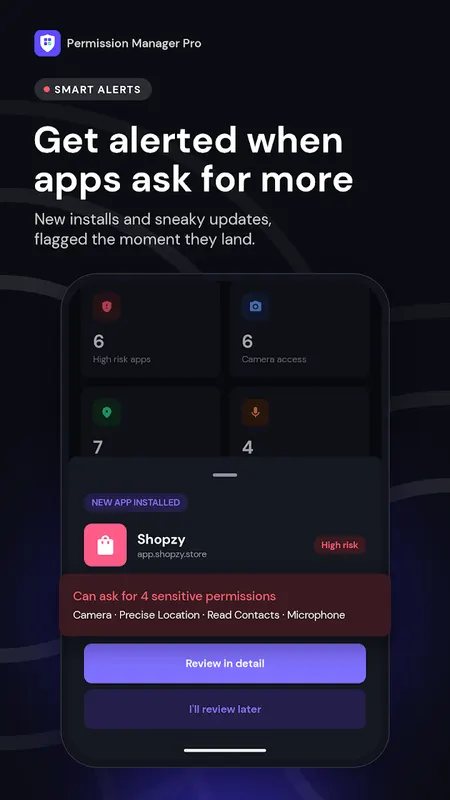
- Get an alert when a newly installed app asks for sensitive permissions
- Know when an app update quietly adds new permissions
- Optional daily privacy reminder and weekly privacy report
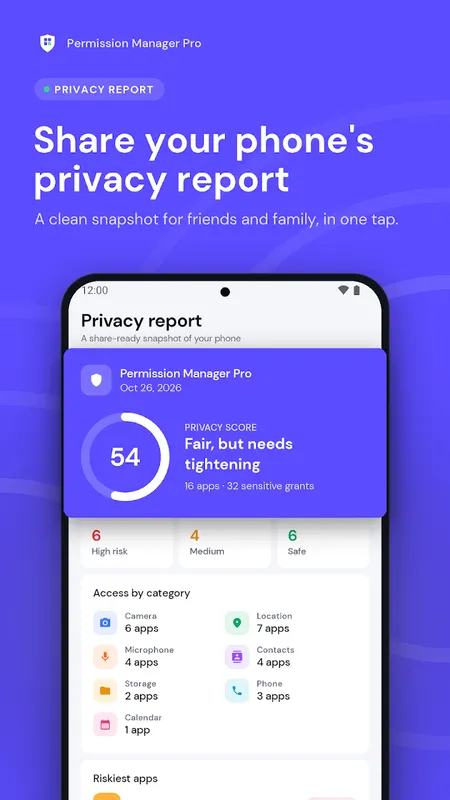
Share your privacy report
- Create a clean privacy report image of your phone
- Share it with family and friends in one tap and help them check their app permissions too
Built to be light and private
- No account, no sign-up
- Core features work offline
- Fast scan, even with hundreds of apps
- Light and dark theme
- Permission Manager Pro never reads your messages, photos, files or contacts. It only reads the permission information Android makes available.
Free, with an option to remove ads
Permission Manager Pro is free and supported by ads. If you prefer no ads at all, an optional monthly "Remove ads" subscription removes them completely. Cancel anytime in Google Play.
Why does the app need to see installed apps?
To check app permissions across your phone, the permission manager needs the list of installed apps (QUERY_ALL_PACKAGES). That list is used only on your device to build your privacy score, risk ranking and alerts. It is never uploaded or sold.
Note: Permission Manager Pro is a privacy and permission manager, not an antivirus. It does not scan files for viruses or remove apps on its own. Every change is made by you, in Android settings.
Questions or ideas? Write to supportgenzz@gmail.com. We read every message.
Learn more about app permission manager



App Permission Manager Pro FAQ
Does it read my messages or photos?
No. It only reads the permission information Android makes available.
Is it an antivirus?
No. It's a privacy and permission manager, not an antivirus.
Is it free?
Yes, free and supported by ads. An optional monthly Remove ads subscription removes them.